The guide to Google Workspace integrations is here
4 mins read
Start building your digital home with Happeo
Request a demo
Product
Features
Happeo AI
Solutions
Happeo for
Use cases
Comparison
Resources
Explore
Support
Available now
Happeo For
Use cases
Comparisons
Explore
Support
Recent
Admin
4 mins read
After some extensive research, we're proud to announce the arrival of the Google Workspace Ecosystem Guide. The place where the most used and recognized tools and solutions gather to tell you how they integrate with Google Workspace (formerly G Suite).
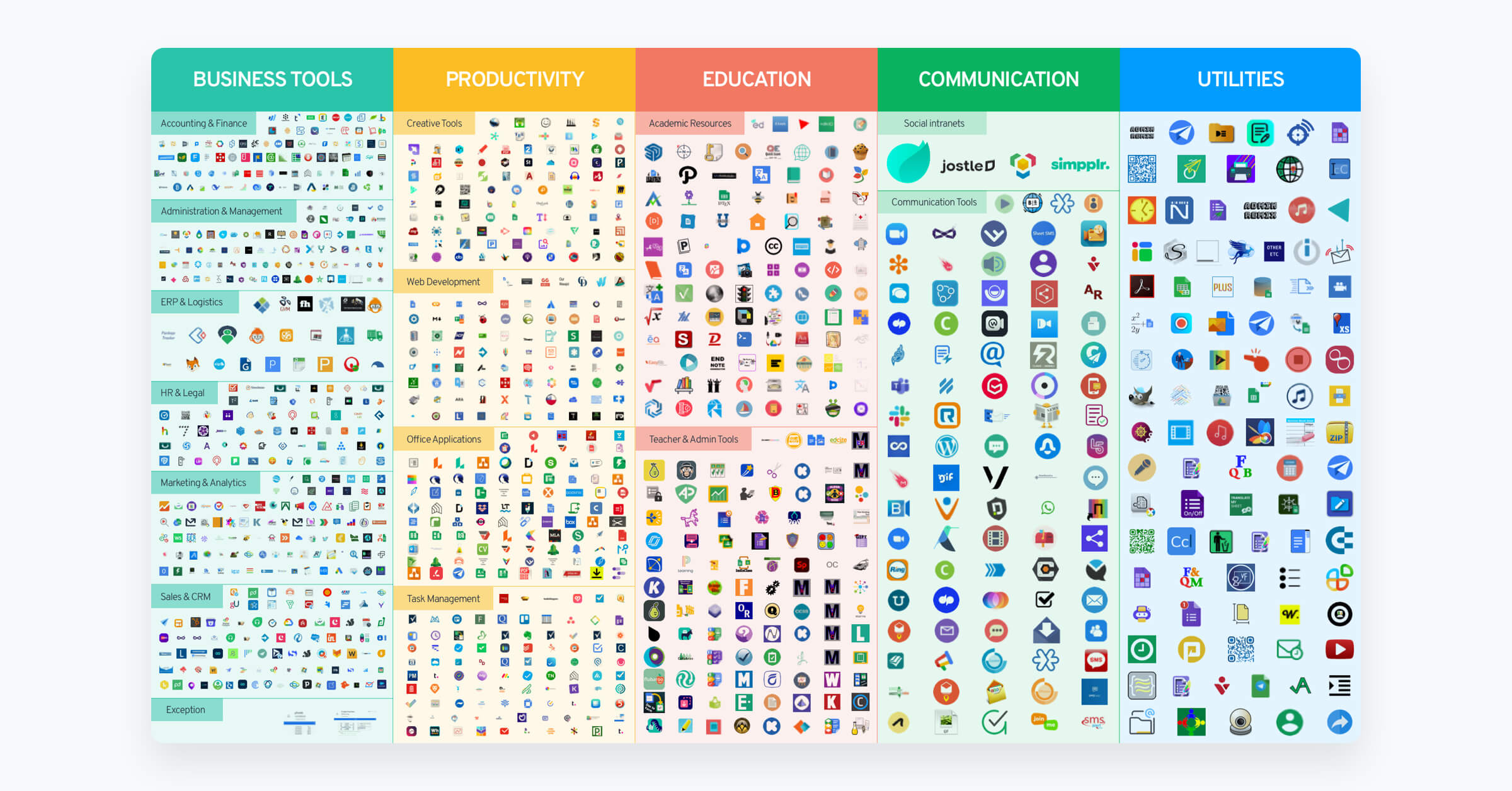
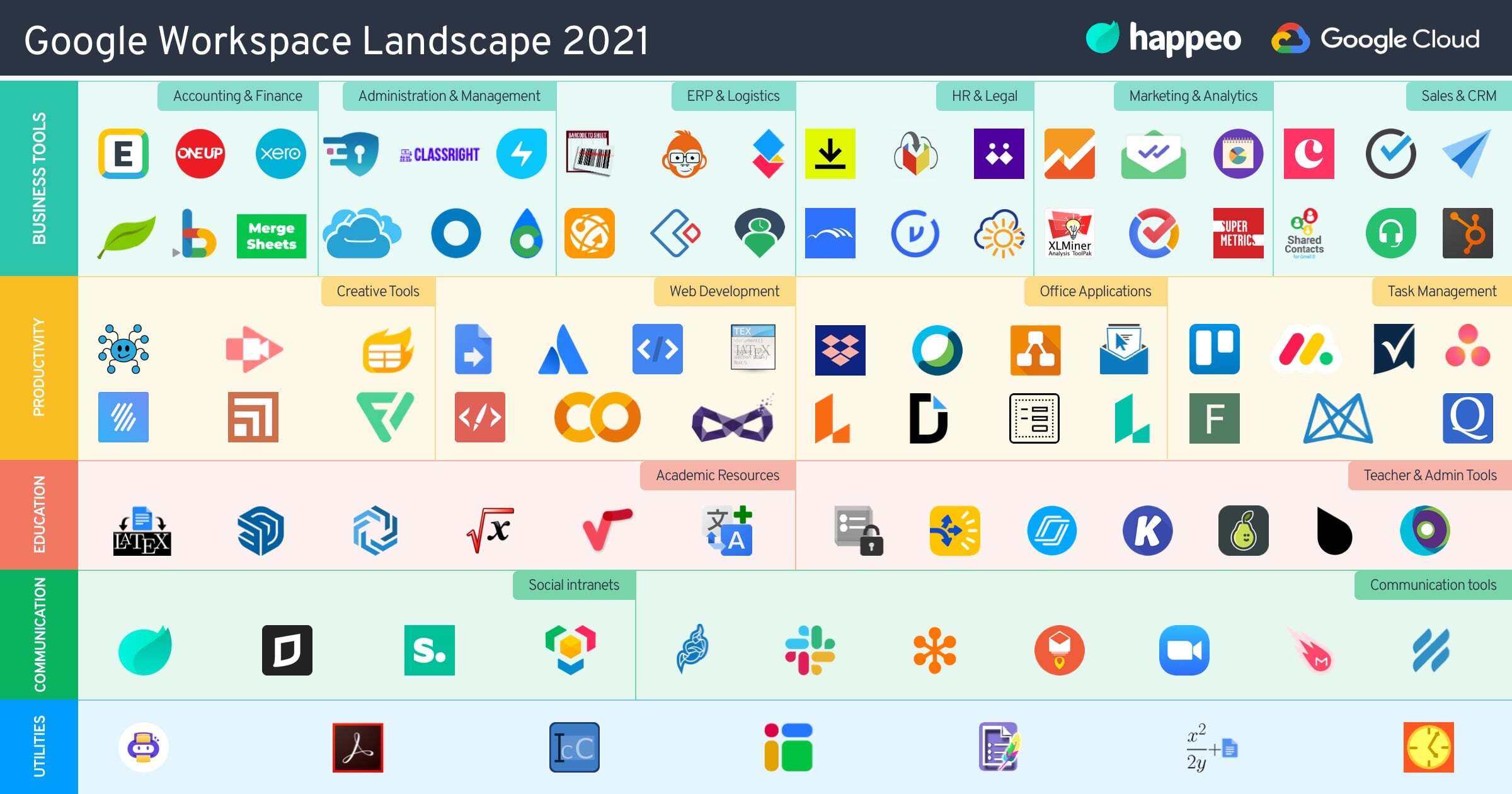
Maybe you’re familiar with the Google Workspace Marketplace, maybe you’re not. But just one quick look will tell you there’s a lot out there, and the Marketplace is crowded. Really crowded. Like that concert you went to that was so packed, you could barely enjoy the performance. We want you to enjoy all the wonders of what you can accomplish with Google Workspace — that’s why we first narrowed it down to the top business categories:
We then did some more narrowing down, and chose one solution best suited for each category.
We know what you might be thinking: so much narrowing down! What will be left! Well, some really awesome tools with distinguishing features.
There are many companies out there looking to complement Google Workspace and a lot of amazing products and services. We chose the ones that offer a deep Google Workspace integration, and solve the biggest pain points of each category. Each featured tool in this guide comes with:
This guide offers a thorough yet concise synopsis of the top tools for Google Workspace, who will love them, what features they have, and what pain points they solve.
All in all, if you’re using Google Workspace, then this guide is for you. If you’re not using Google Workspace, but toying with the idea of switching over, then this guide is also for you. If you just enjoy cool guides with useful information, then yes, this guide is still for you.
We hope you enjoy it and that it helps you on your Google Workspace journey.
What is the Google Workspace Ecosystem Guide and how can it help my business?
The Google Workspace Ecosystem Guide is a curated resource designed to help businesses navigate the crowded Google Workspace Marketplace and find the best integration tools. If you use Google Workspace, or are considering switching to it, this guide helps you identify the top-performing solutions that can seamlessly complement your digital workspace and enhance overall productivity. Instead of leaving you to search through thousands of options, the guide streamlines your decision-making by focusing on highly rated, compatible software.
By narrowing down the vast ecosystem into specific business categories, the guide allows you to build a cohesive digital home for your company. It highlights tools that offer a deep integration with Google Workspace, ensuring that your teams do not have to struggle with fragmented systems or disjointed workflows. Each featured tool has been selected because it directly addresses the biggest pain points within its respective business category, making it easier for you to optimise your operations.
Ultimately, this resource acts as a practical roadmap for scaling your business technology. Whether you need to improve customer relations, secure your data, or manage projects more effectively, the guide provides clear insights into how these external tools work alongside Google’s native applications. By reading it, you can make informed decisions about your software stack, save time on research, and ensure you are utilising the most powerful integrations available on the market today.
Which software categories are covered in this new integration guide?The guide focuses on ten essential business categories to help you build a complete, highly efficient digital workspace. To ensure you can find solutions for every aspect of your daily operations, the guide covers Customer Relationship Management (CRM), Customer Support (CS), and Project and Process Management. These categories are crucial for maintaining strong client relationships, resolving user issues quickly, and keeping your internal team projects running smoothly, on schedule, and within budget.
In addition to day-to-day operations, the guide addresses administrative and financial needs by covering Accounting and Finance, eSignature, and Document Management. These sections help businesses digitise their paperwork, secure electronic signatures, and organise files systematically. By integrating these tools directly with Google Workspace, your organisation can significantly reduce manual data entry, streamline approval chains, and ensure that financial records and critical contracts are always easily accessible, legally binding, and securely stored.
Finally, the guide explores categories designed to improve communication, security, and administrative control. These include Corporate and Social Portals, Security and Compliance, SaaS Management Platforms, and Productivity tools. By addressing these vital areas, the resource helps you foster a collaborative company culture, protect sensitive business data, manage your software subscriptions, and boost overall staff output. Only one top-performing solution with outstanding distinguishing features has been selected for each of these ten critical business categories.
What details are provided for each of the featured tools in the guide?For every recommended tool highlighted in the ecosystem guide, you will find a comprehensive yet concise synopsis designed to help you understand its value quickly. Each entry begins with the solution in a nutshell, giving you a clear overview of what the product does. This is accompanied by a detailed explanation of how the software complements Google Workspace, ensuring you understand how the two systems interact and function together.
To help you build a business case for these tools, the guide lists the key benefits of each solution and provides a breakdown of who will benefit most from using them. This target audience analysis helps you determine whether a tool is suitable for your specific team, whether they work in sales, support, or administration. Additionally, the guide outlines key product highlights, showcasing the unique features and capabilities that set these tools apart from their competitors.
Finally, because every organisation has unique requirements, the guide also provides Google Workspace-integrated alternatives for each category. This ensures that if the primary recommendation does not quite align with your specific budget, operational workflow, or company size, you still have other highly viable options to explore. By offering these diverse insights, the guide serves as a practical, complete reference for resolving your business pain points and upgrading your cloud-based digital toolkit.