









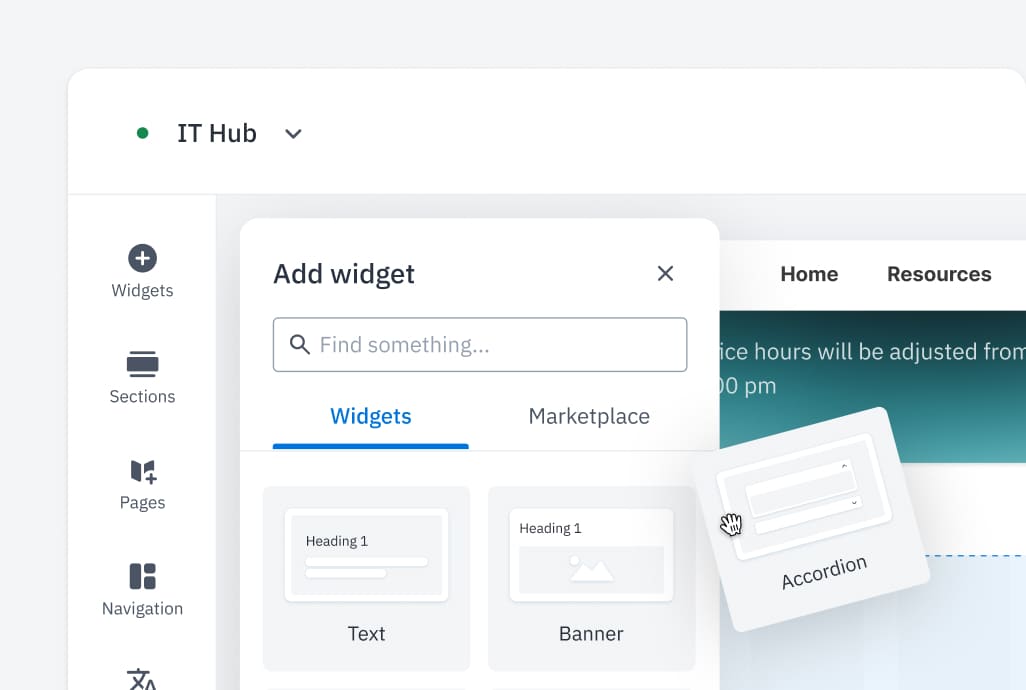
Delegate Content Ownership
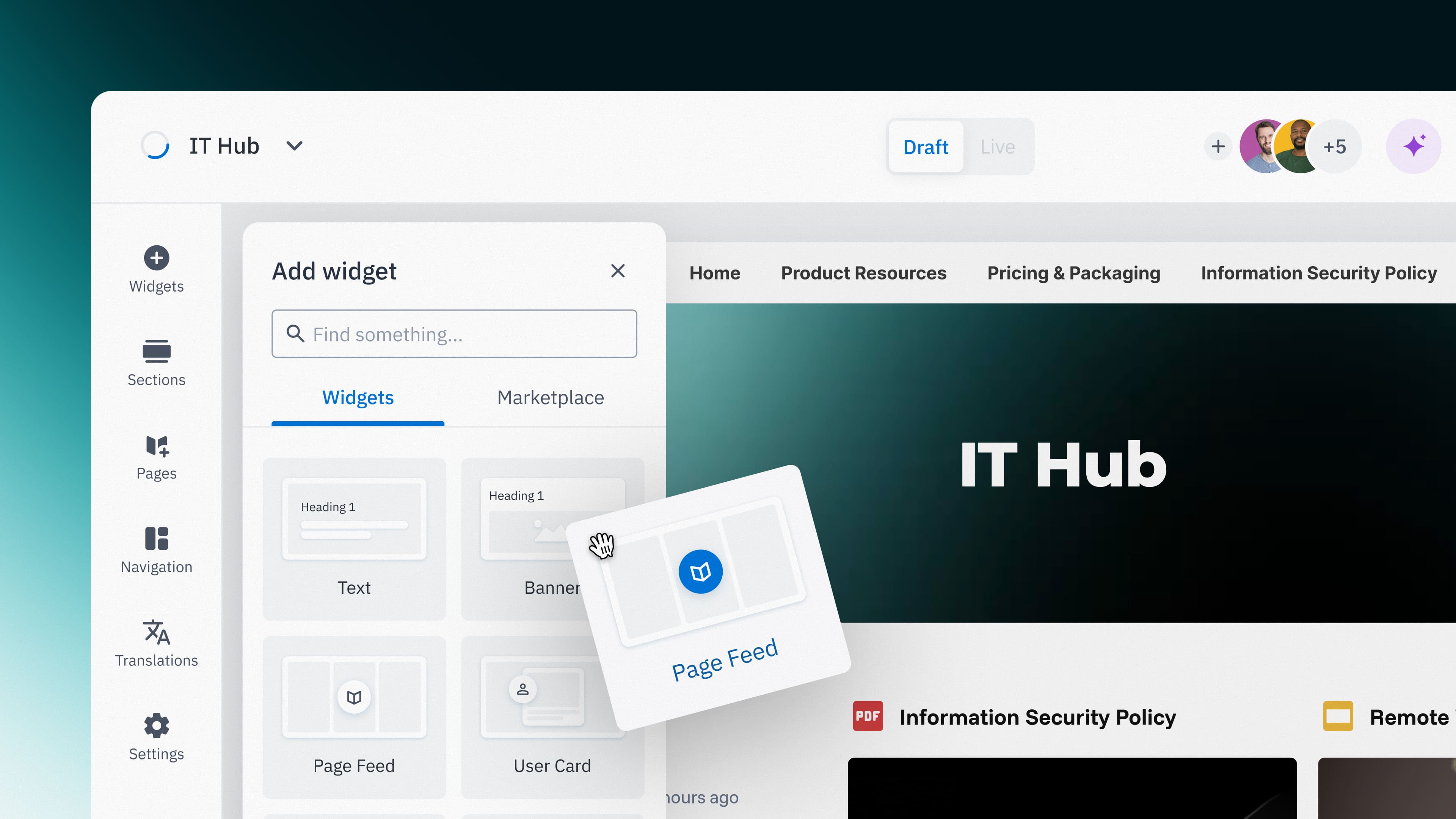
No need for IT to manage content or page structure changes: departments can create no-code pages and post updates instantly using drag-and-drop templates.
-1.png)
AI Search
Search across Happeo and your connected systems from one powerful, permission-aware experience—so teams find the information they need faster and with confidence.
Request a demo.png)


IT & Security
Secure, automated, and fully integrated with Google Workspace and Microsoft 365. Deploy in weeks using your existing directory. No maintenance required.
Request a demo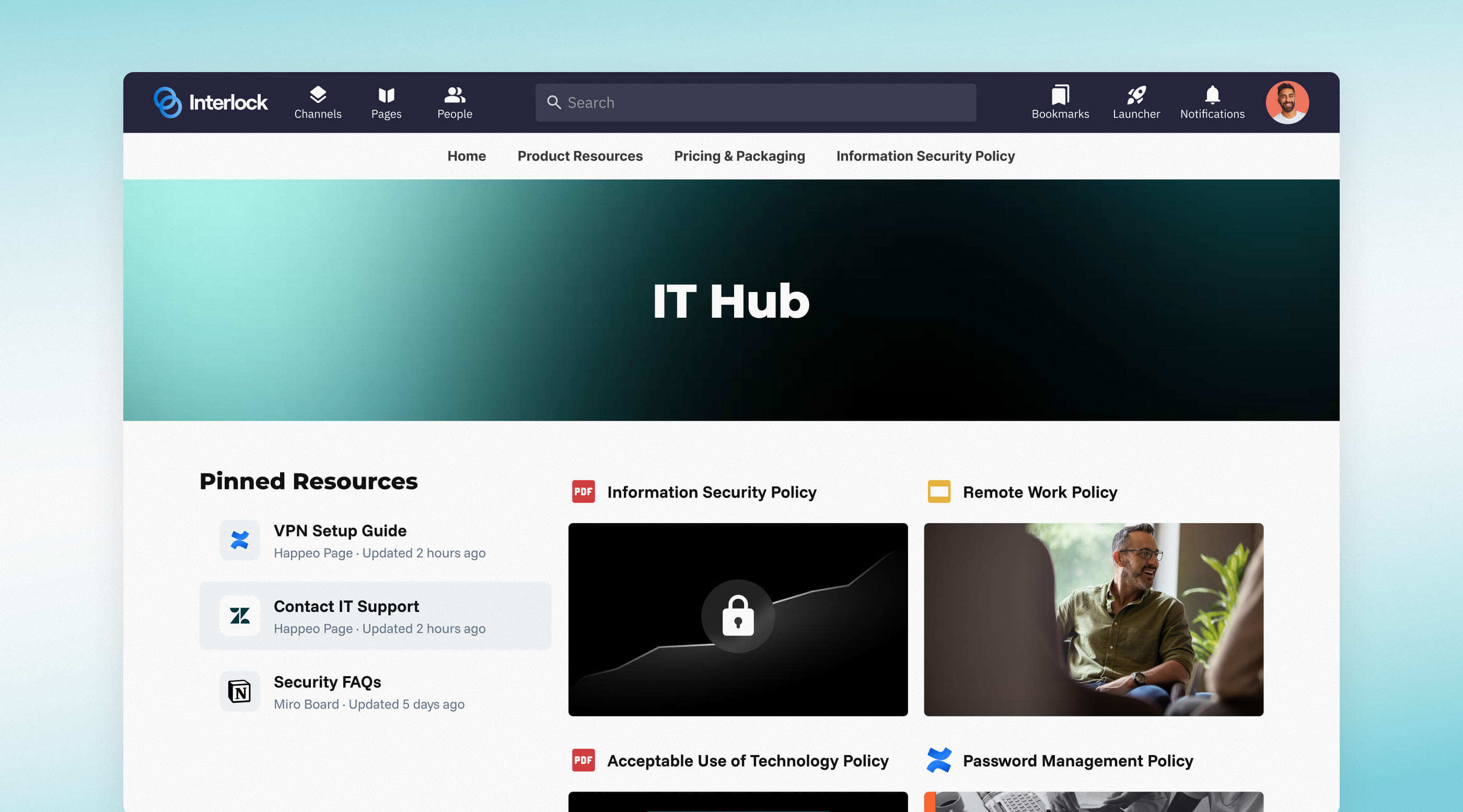






No need for IT to manage content or page structure changes: departments can create no-code pages and post updates instantly using drag-and-drop templates.

Stop the security risks that come with tool sprawl. Give your company one sanctioned, secure “front door” to your tech stack.
.jpg)
Since Happeo integrates directly with your existing environment— pulling from existing documents, calendars, groups, and distribution lists — it inherits your security framework and makes content governance automatic.
Happeo leverages your current permissions, directory groups, and existing files, eliminating the need for separate data or identity management.
Build a central hub for your cybersecurity policies, software request procedures, and troubleshooting guides. Give employees one official place to self-serve tech resources, reduce helpdesk tickets, and stop acting as a human router for basic IT questions.
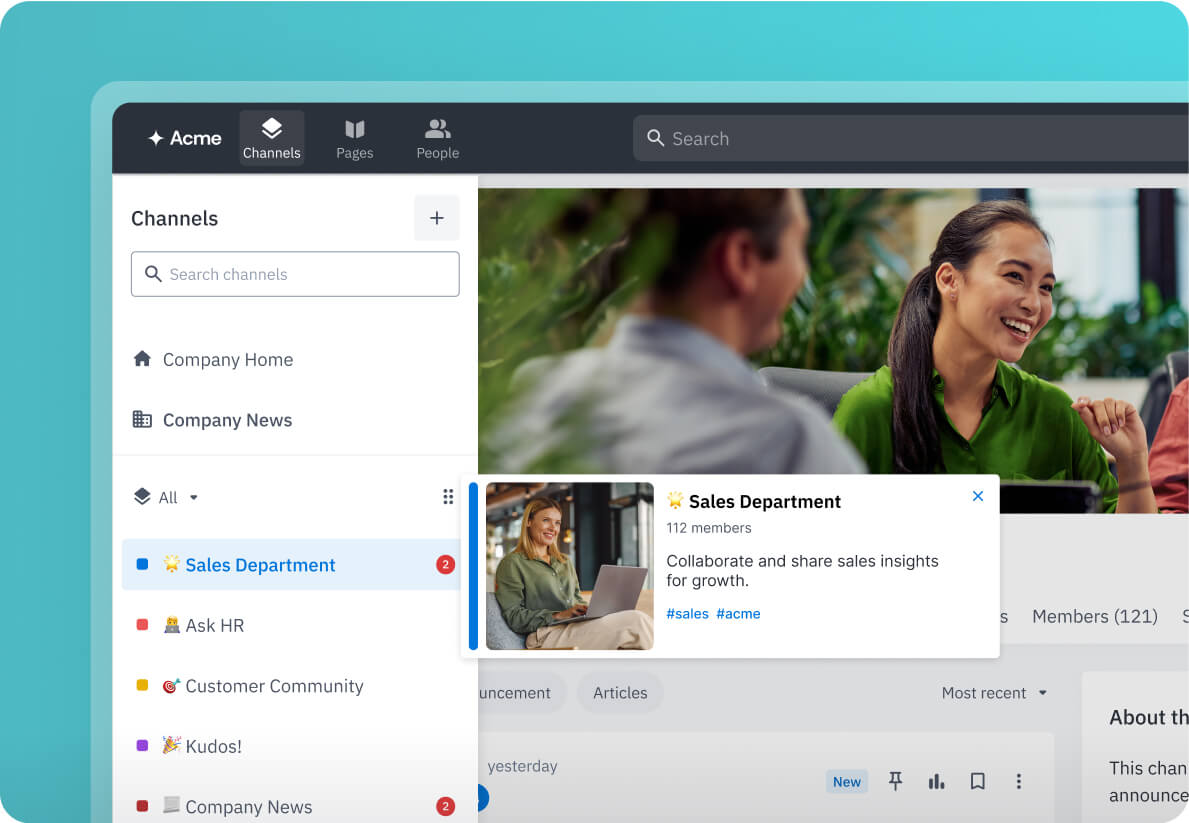
Broadcast system alerts instantly. Whether it’s for a system outage, maintenance windows, or security alerts, Channels allows you to broadcast critical operational updates without adding to the company’s daily email, and ensuring your notifications are read.
A unified index across your files, email, calendar, Slack, and more. It respects your native permissions, so users only see what they’re already allowed to see.
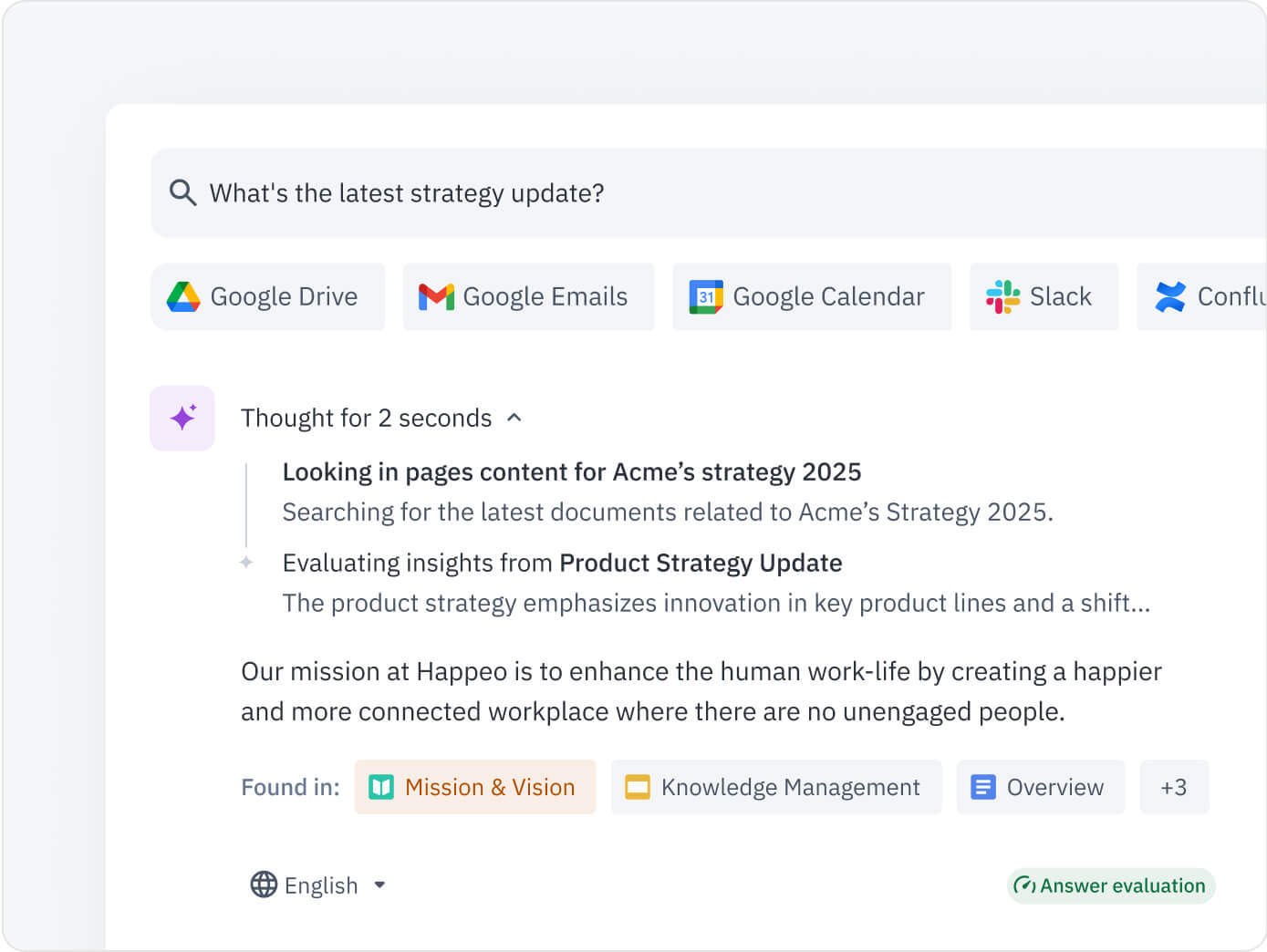
See exactly which tools and pages are being used, so you have the data to justify investment, or deprecate unused legacy software.
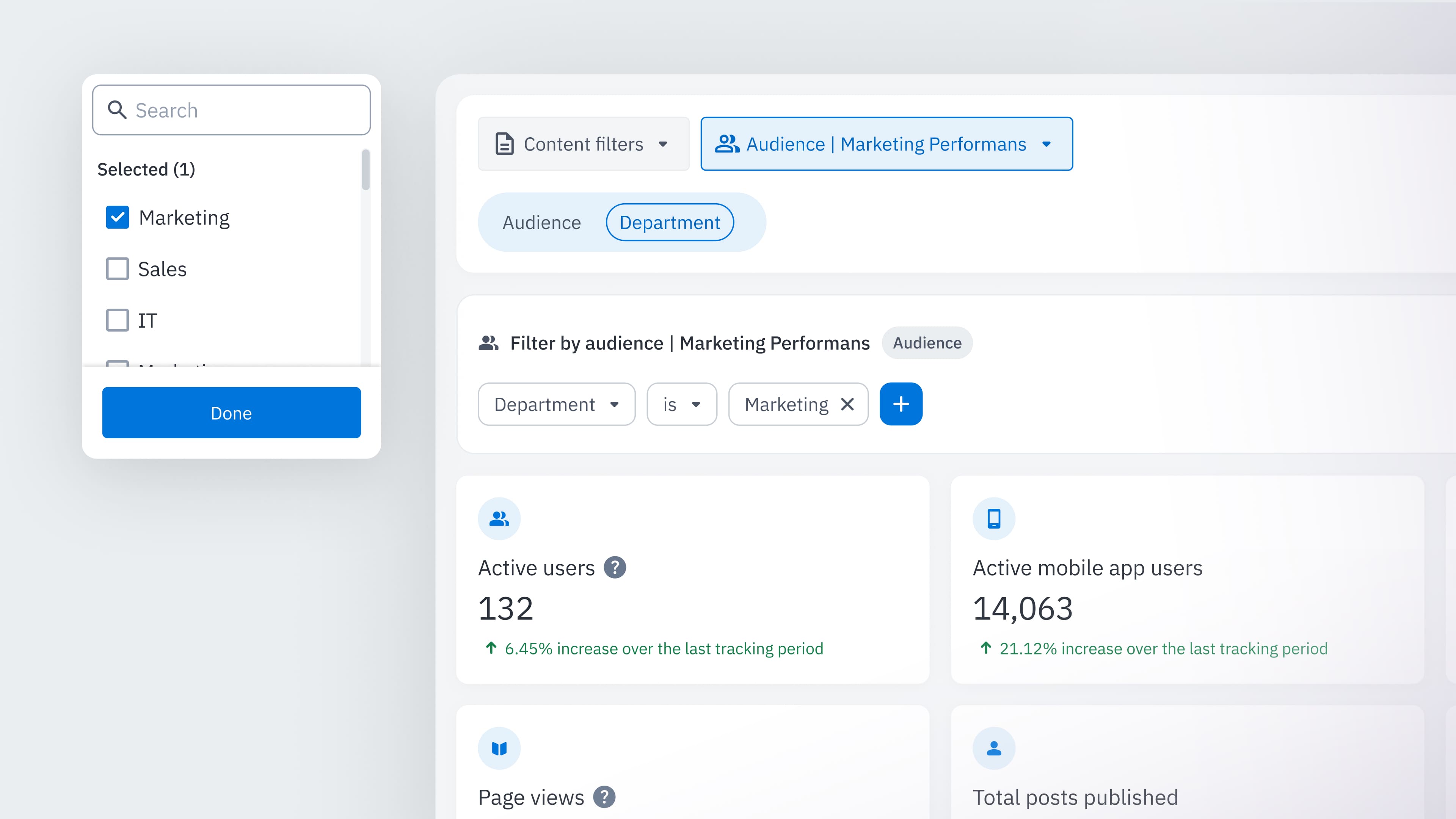
IT sets the guardrails; the business manages the content. Happeo connects your ecosystem through a trusted layer that requires zero IT intervention after the initial click-to-enable setup.
%20(1).png)
“Our toolset comprises around 20 different tools. Finding what we needed meant going through different databases and not always finding the right document. With Happeo, we’re able to search across various platforms such as Jira, Sharepoint, and OneDrive all right from one place.”


certified for complete peace of mind

less support tickets
and more time on the pressing issues that need attention.

until launch
Most customers see their hub live in weeks, not months.
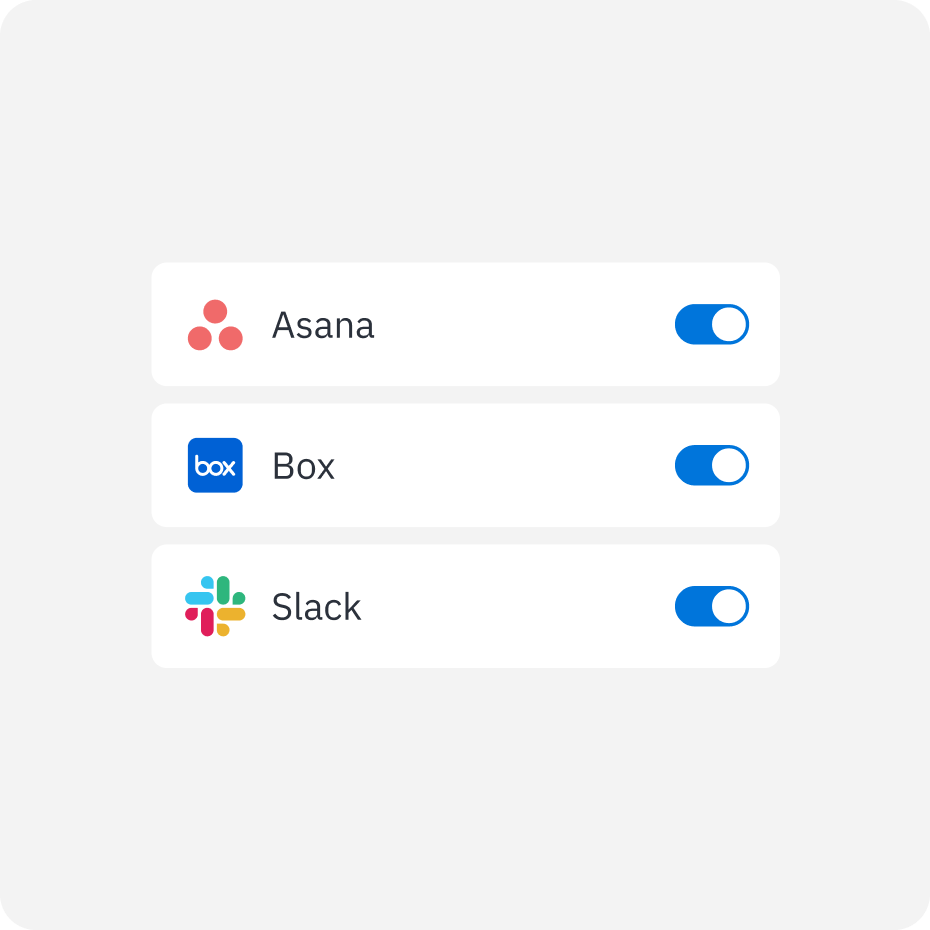
Integrate your core applications to enable unified search across Google Workspace, SharePoint, Slack, Salesforce, Confluence, and more.
Ask questions or search terms to retrieve trusted information from connected systems – without switching platforms.
Get clear answers and results with visible source materials and suggested documents, conversations, and related content.
Happeo as a trusted knowledge base, admins can identify missing information and use AI to create updates or new content to maintain a consistent and complete knowledge base.
