









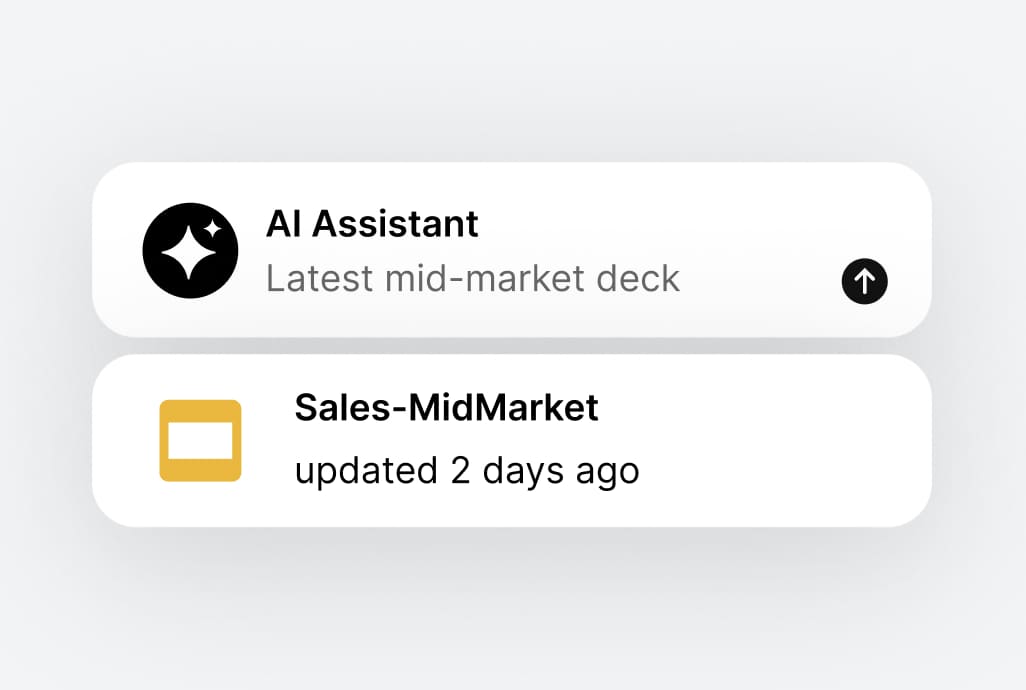
Turn chaos into clarity
Policies, processes, and updates live in one trusted home — making information easy to find and trust. Fewer repeated questions, fewer interruptions, and a clear answer when something needs referencing.

Pages
Give your company one official place for policies, processes, and updates. Launch quickly, maintain it easily, and reduce the everyday friction caused by scattered information.
Request a demo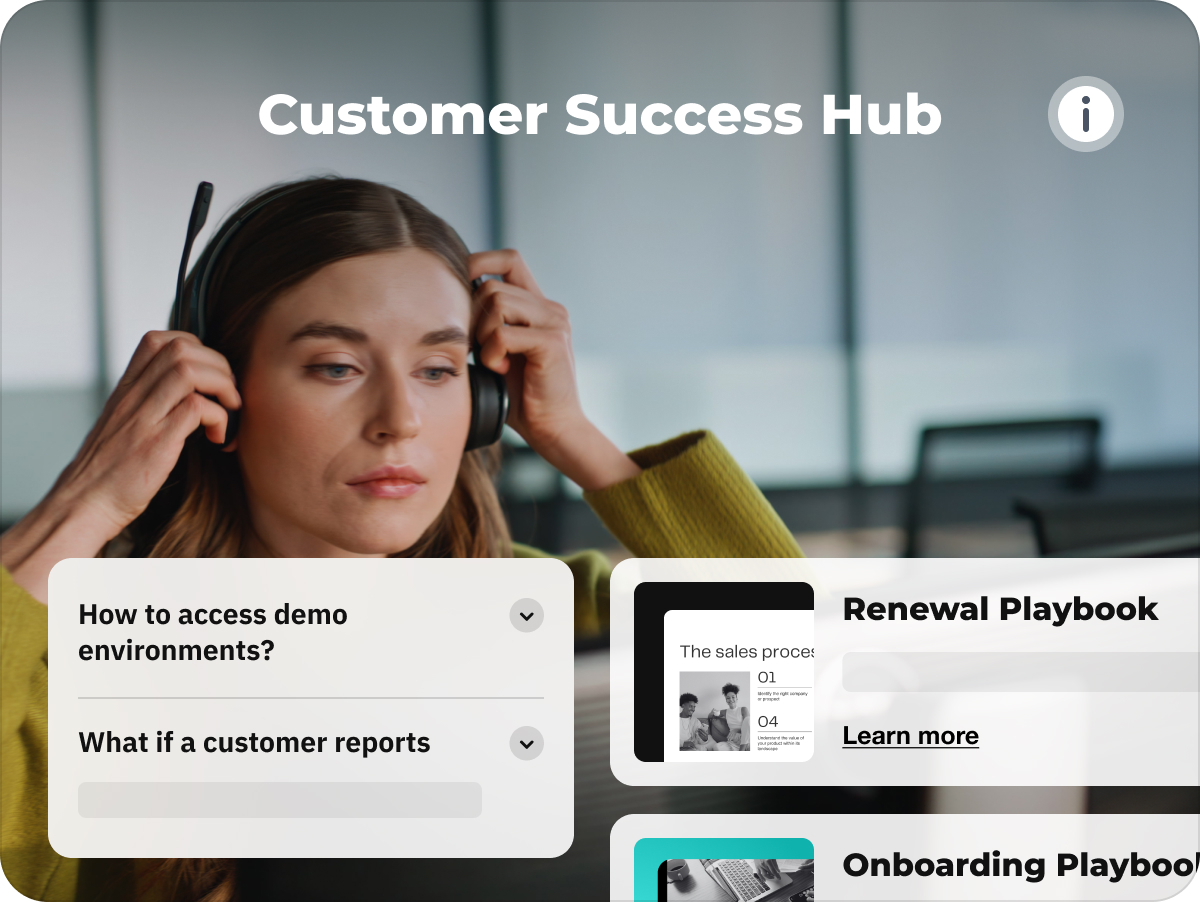
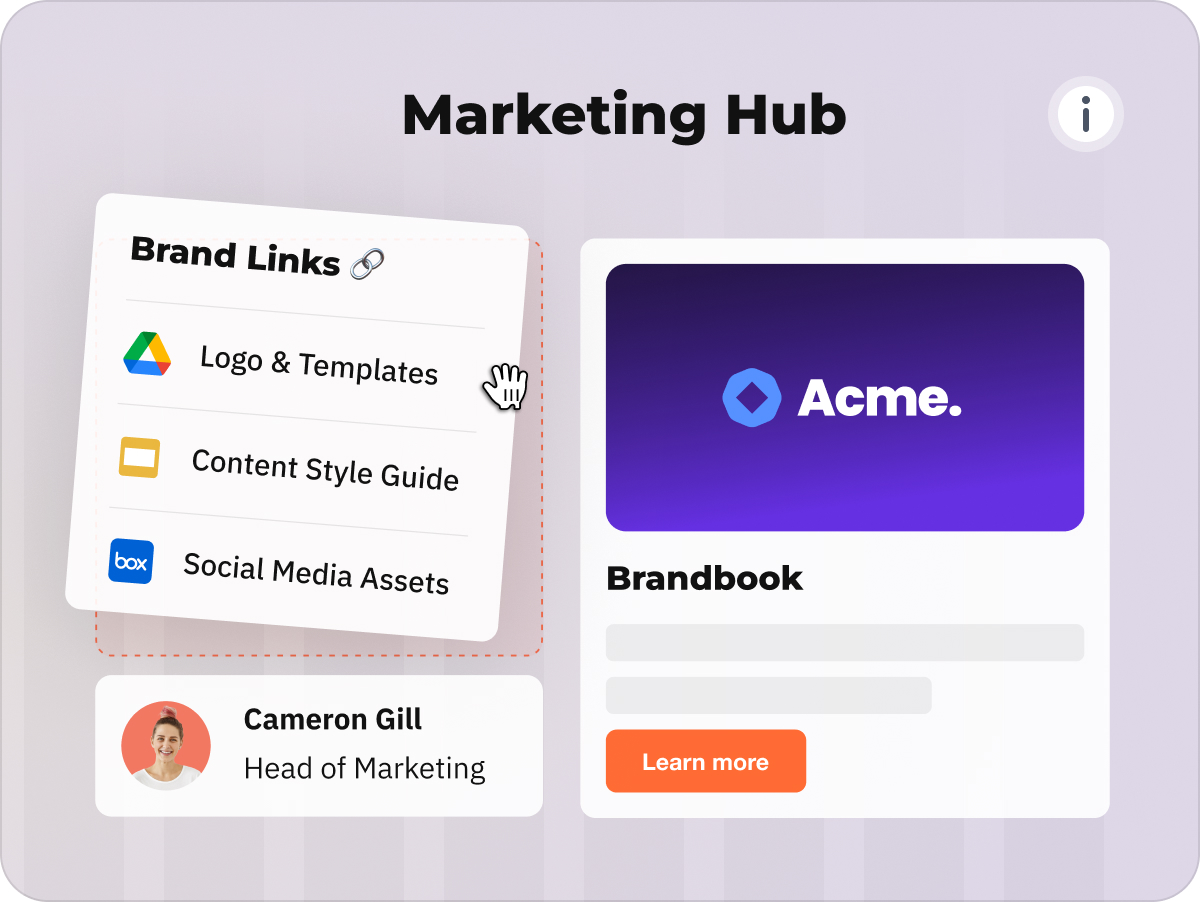
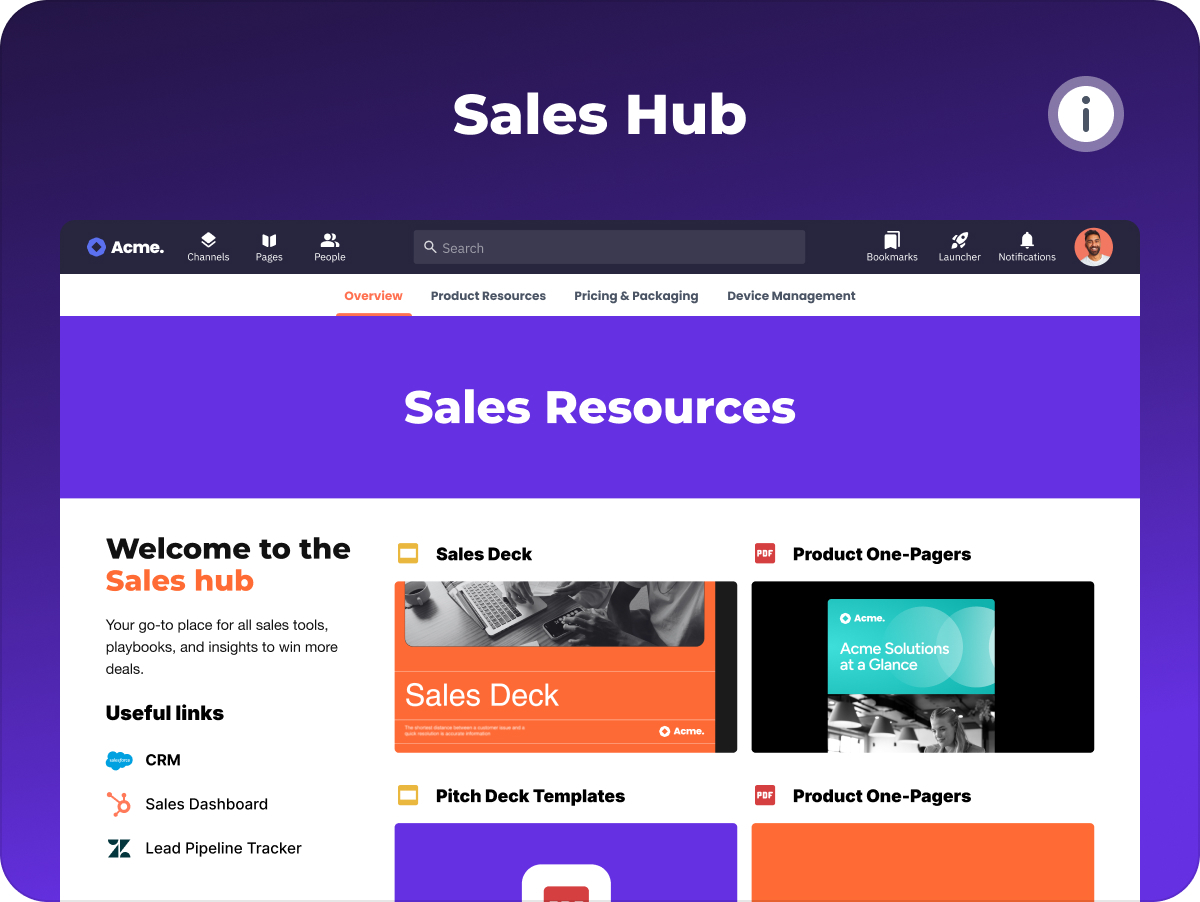
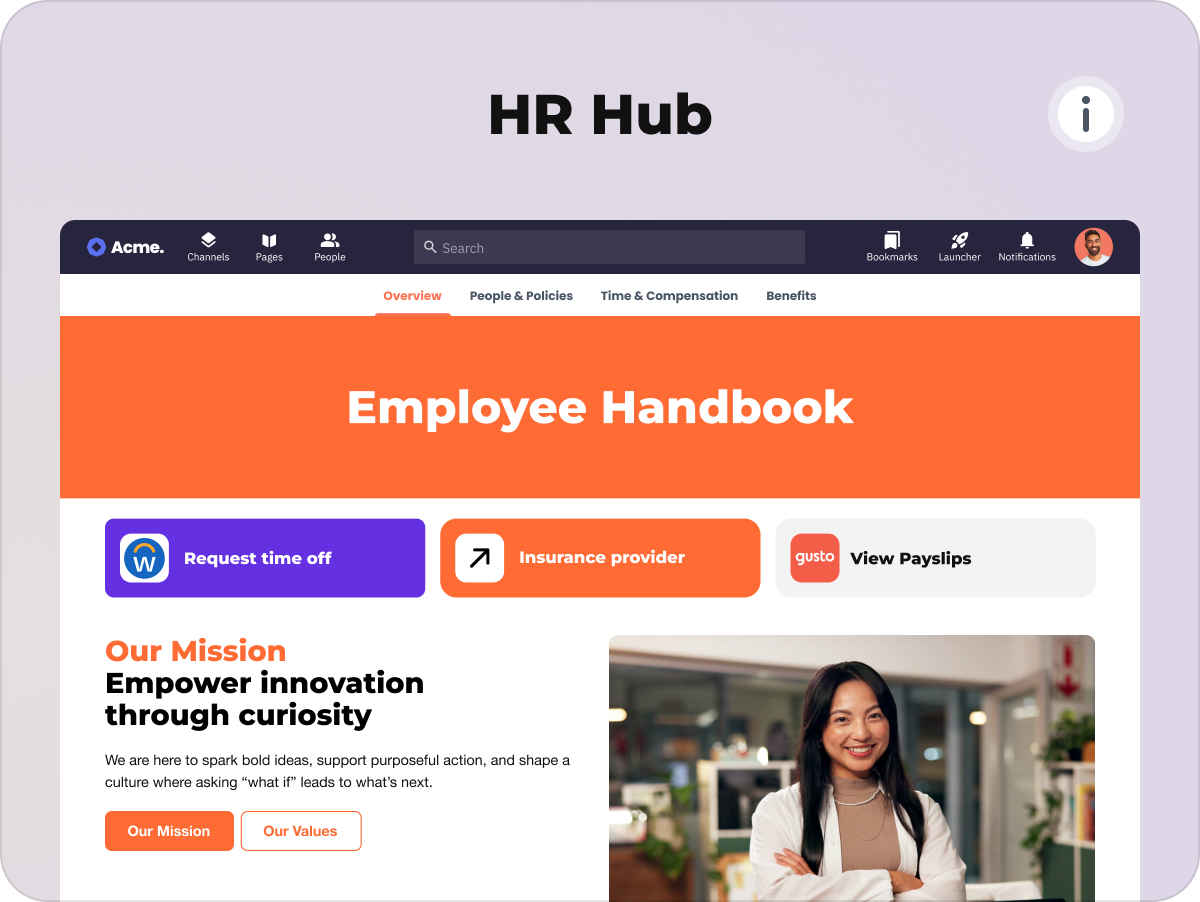
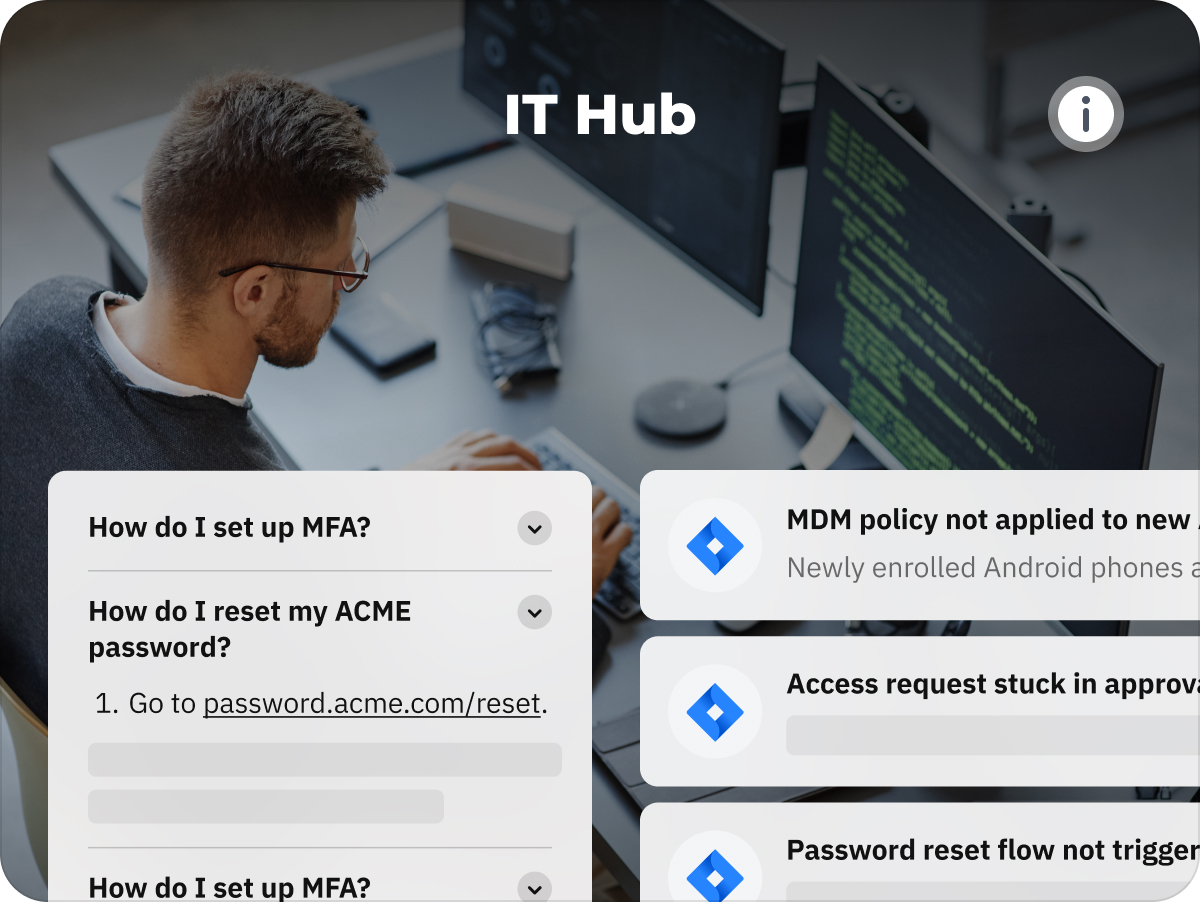
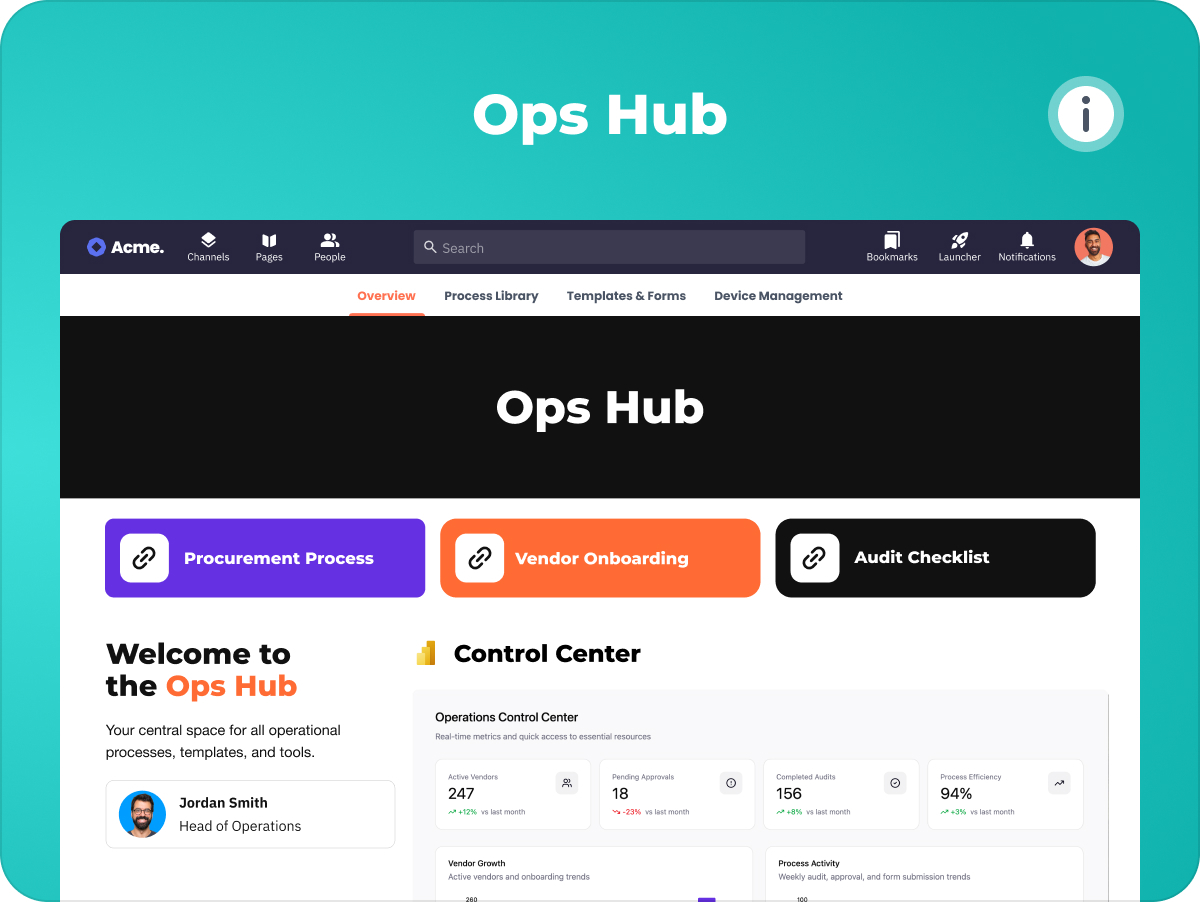






Happeo Pages makes it easy to create and maintain official company knowledge. Build clear, intentional pages that stay consistent, collaborative, and easy to manage over time.
Use ready-made templates to get started quickly — no technical setup or IT support required. Add and arrange content and your drive files using drag-and-drop sections and widgets to reflect your company context.
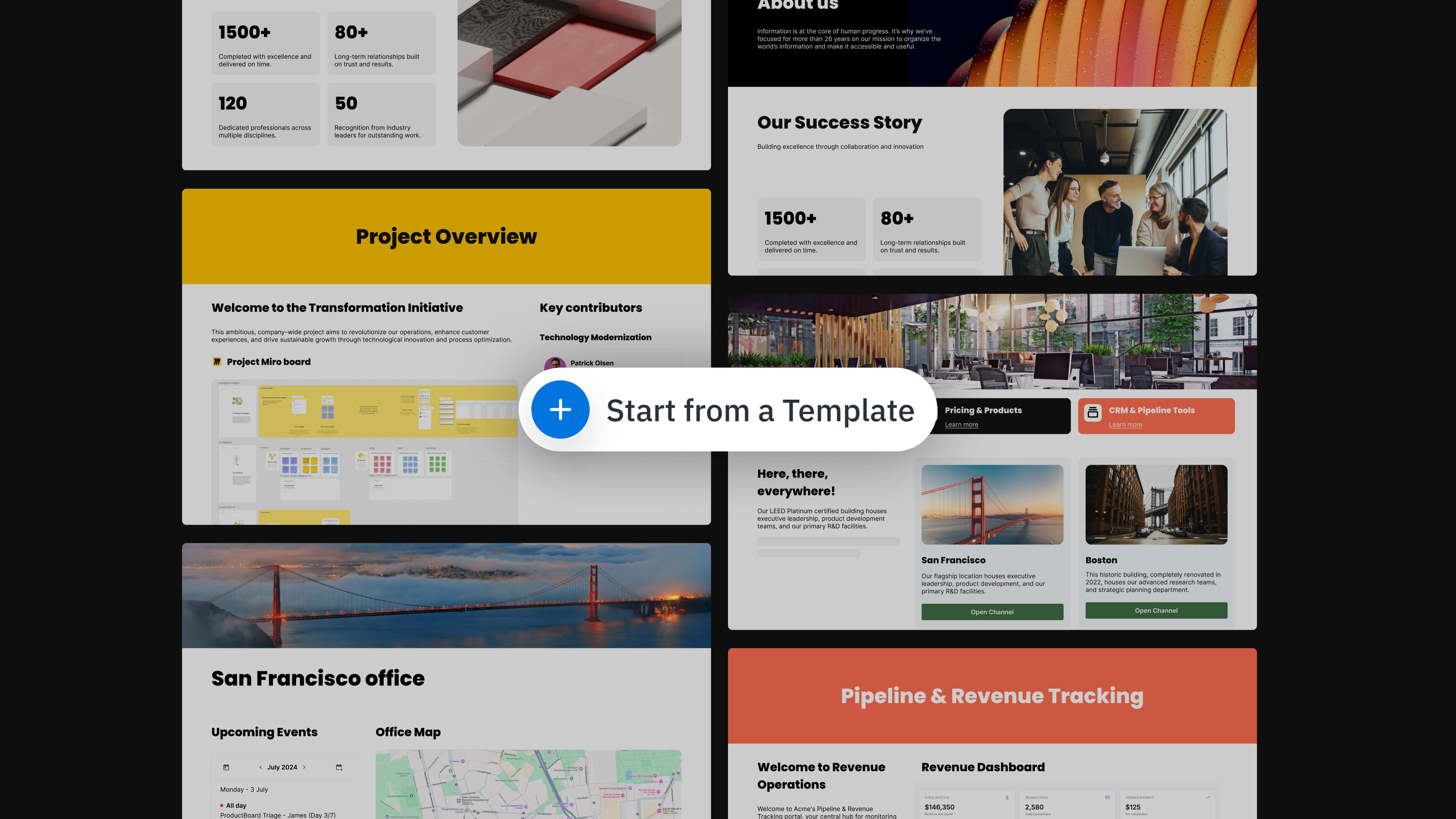
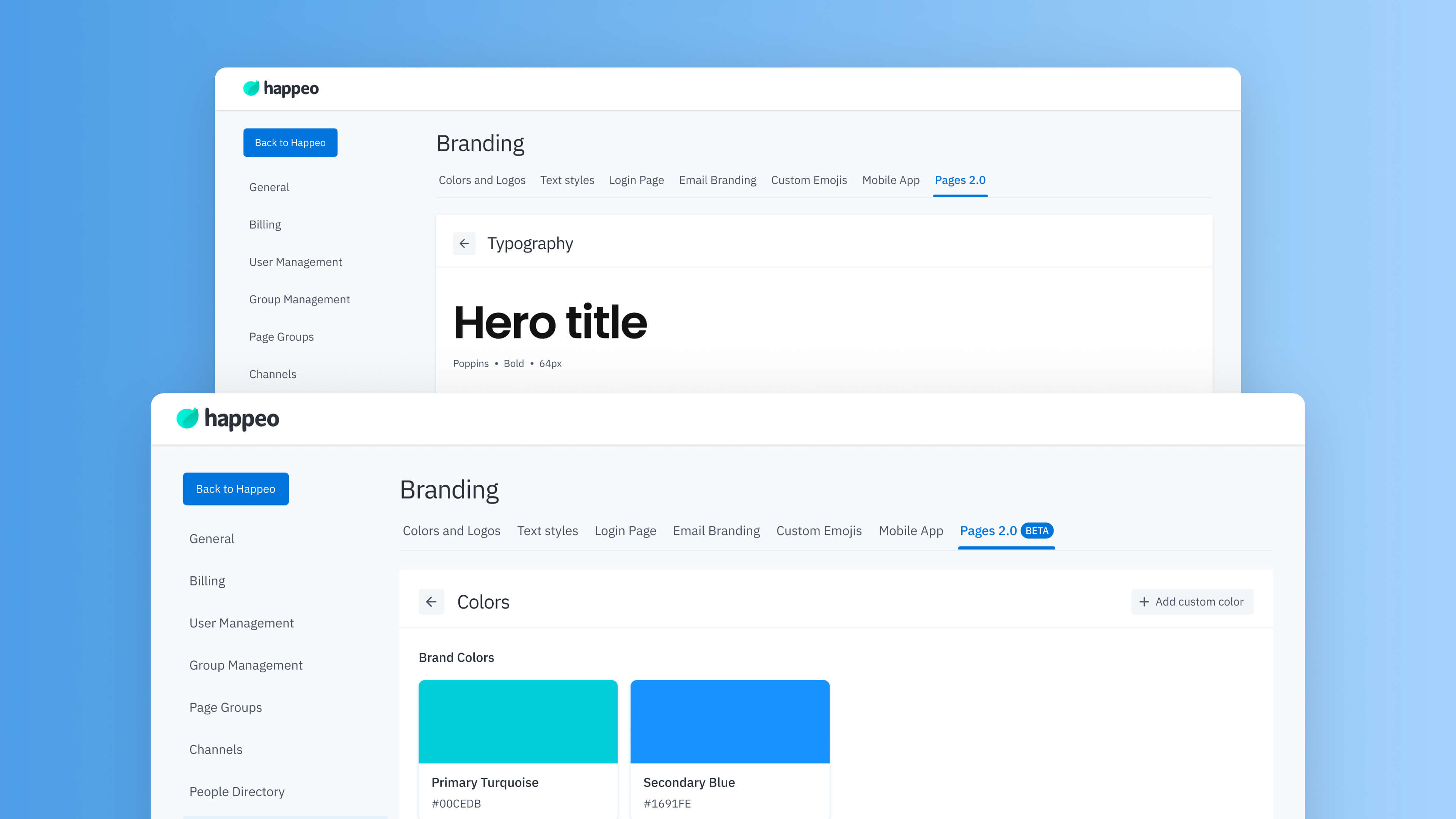
Set typography, colors, and style preferences once, then apply them automatically across pages. Maintain a polished, consistent look without manual formatting.
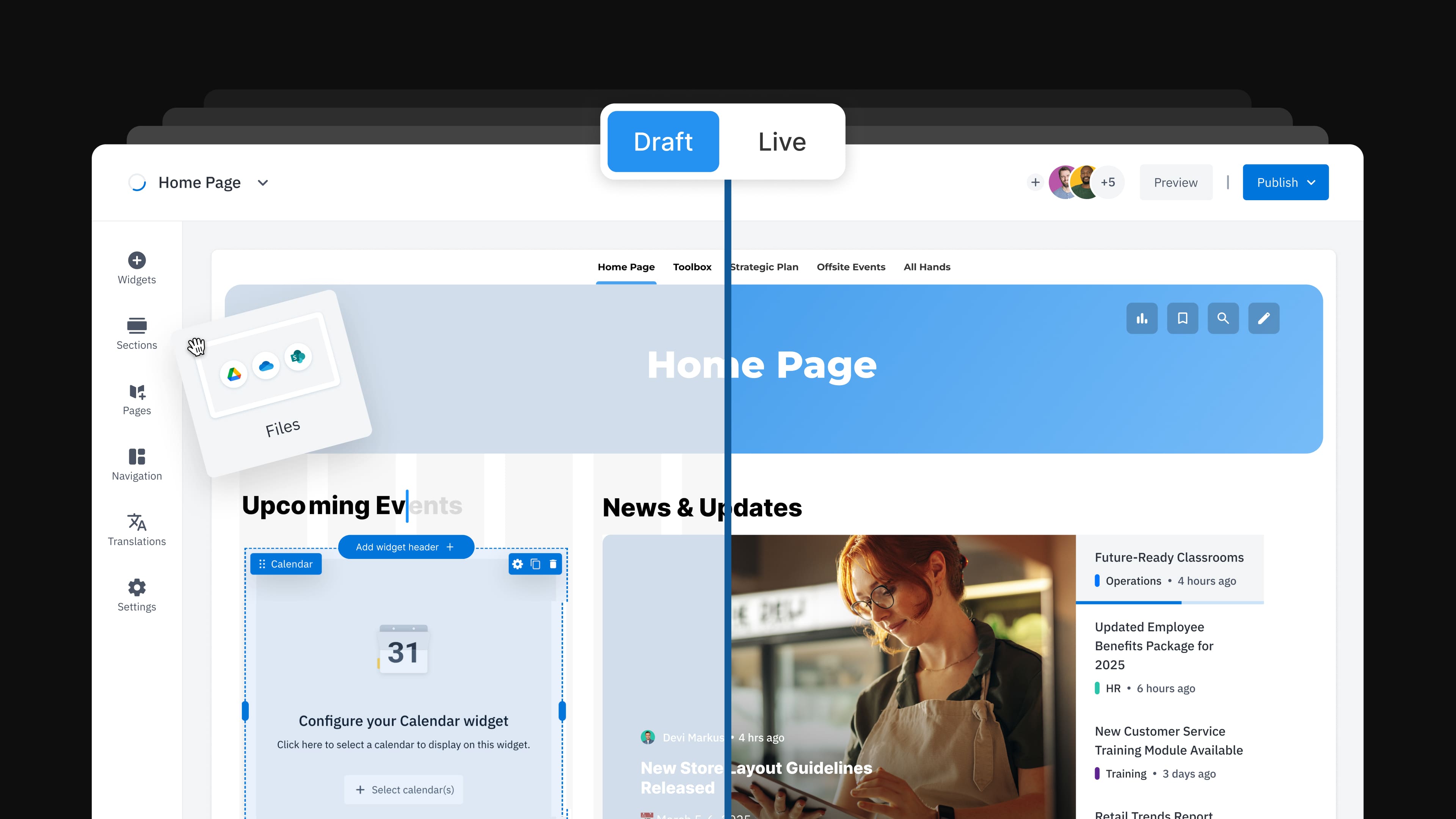
Edit pages together in real time. Multiple contributors can update content simultaneously without duplicating or overwriting work. Quick, effortless updates.
.png)
Track updates with built-in version history. Review changes over time, restore previous versions if needed, and manage draft and published states with clarity.
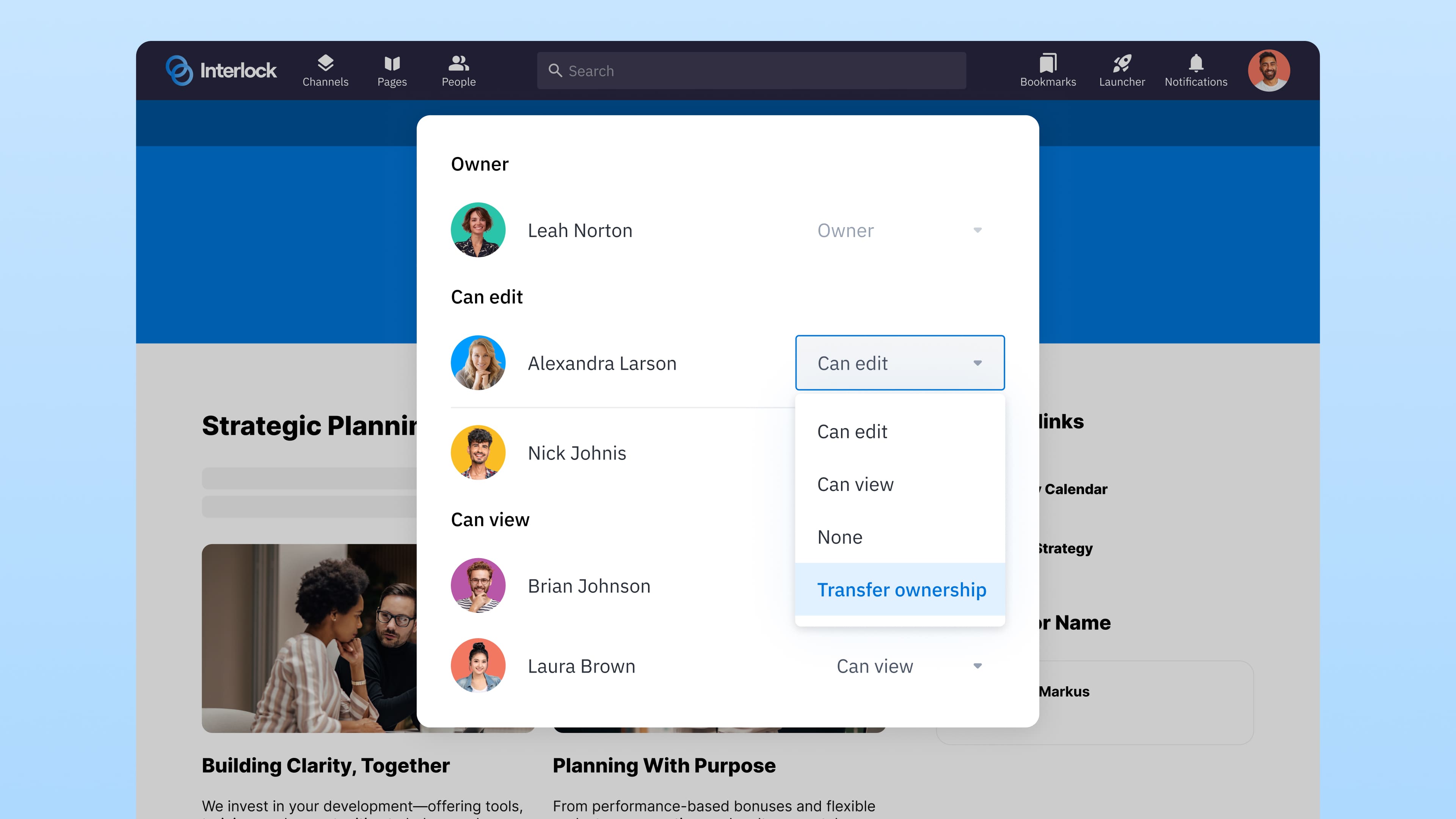
Define who can view, edit, and own pages. Permissions can align with your existing company setup or be managed manually — and are respected across search and navigation.
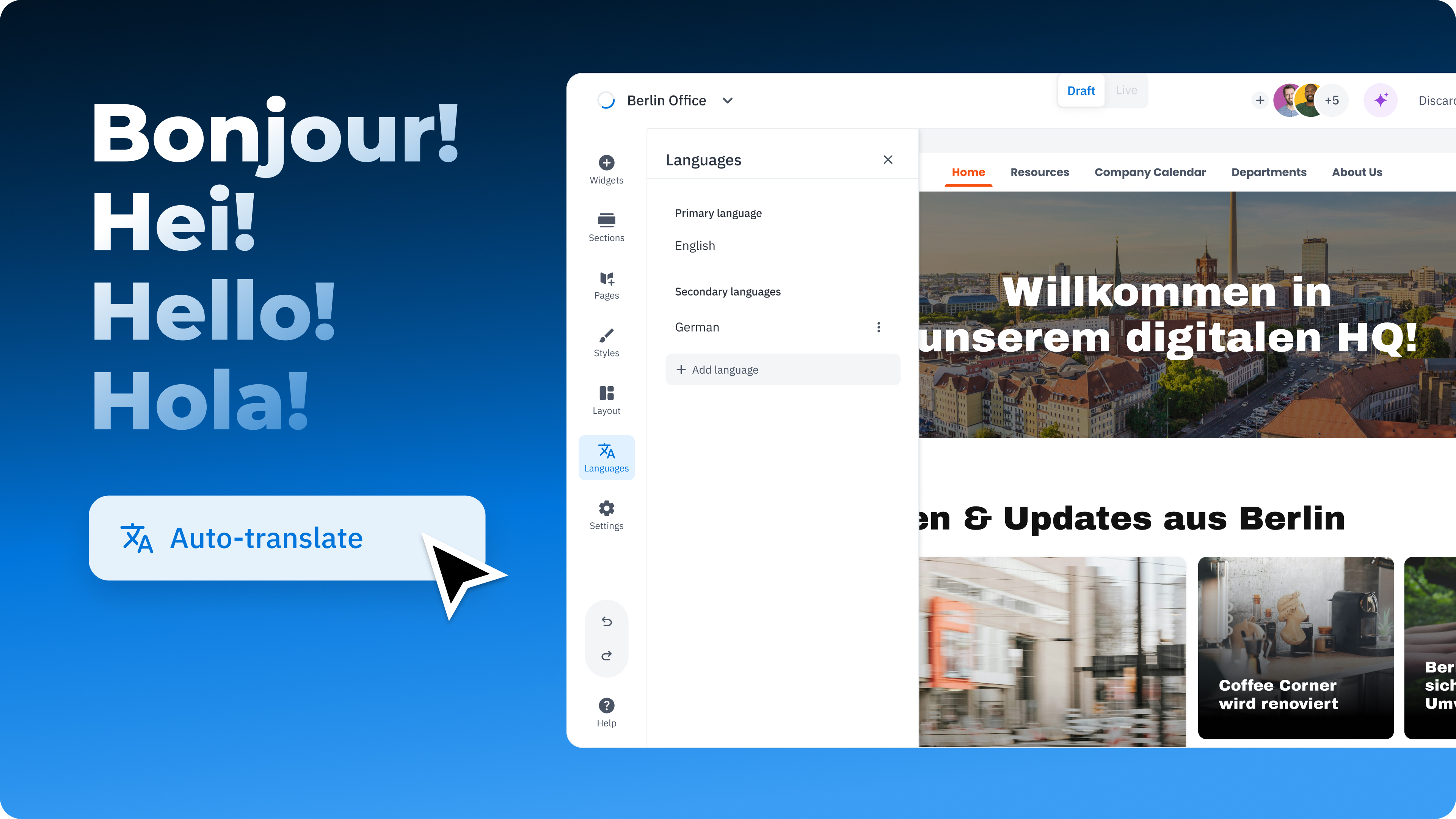
Create language variants of your pages for local audiences. Translate content automatically and customize files or information where needed.
Access page-level analytics to monitor views and engagement. Identify pages that are actively used, and get notified when it’s time for review.
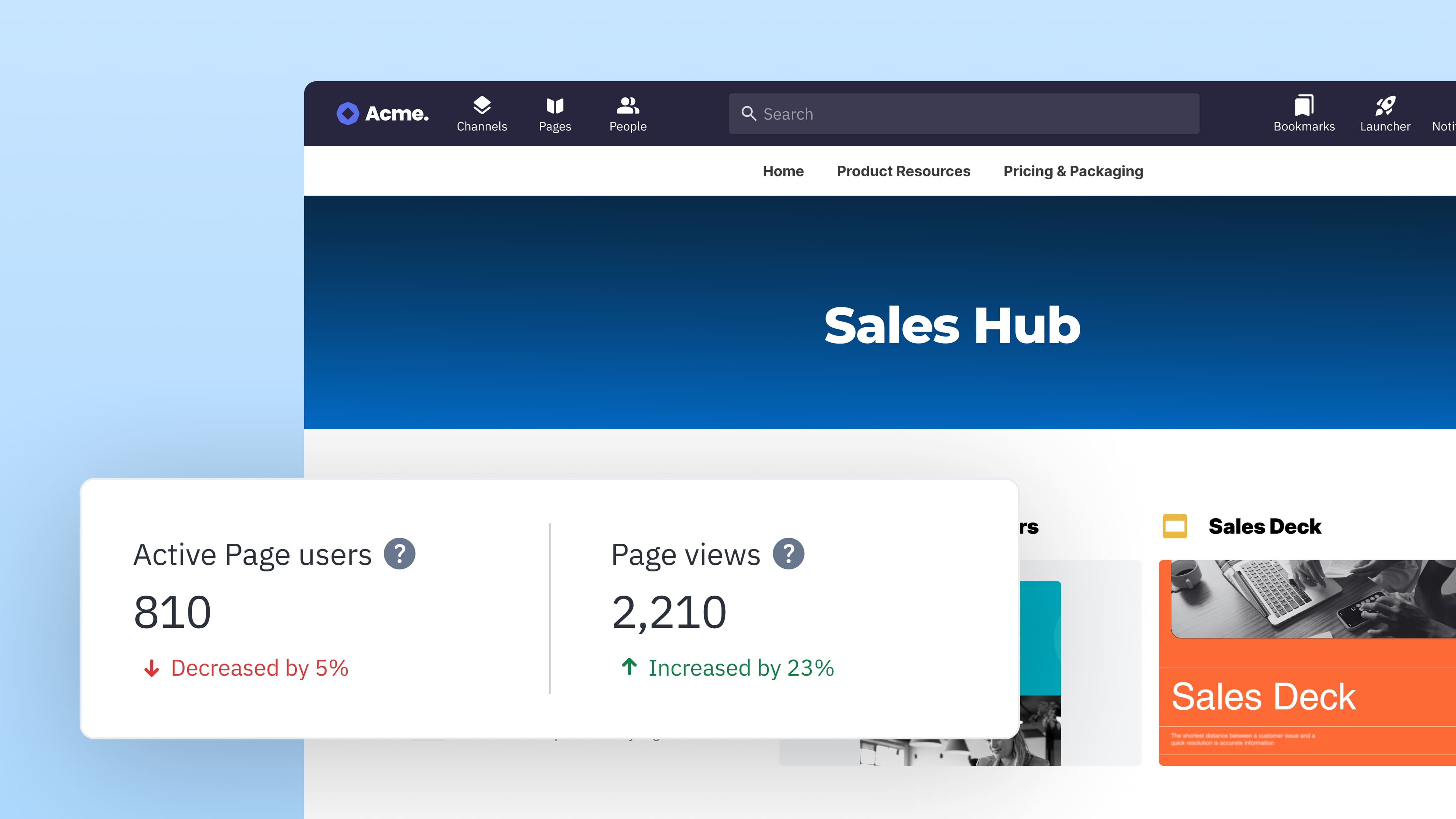
Policies, processes, and updates live in one trusted home — making information easy to find and trust. Fewer repeated questions, fewer interruptions, and a clear answer when something needs referencing.

Get Pages up and running quickly with templates and drag-and-drop editing. No complex rollout or specialist skills required — just a straightforward setup that’s ready for your team to use.
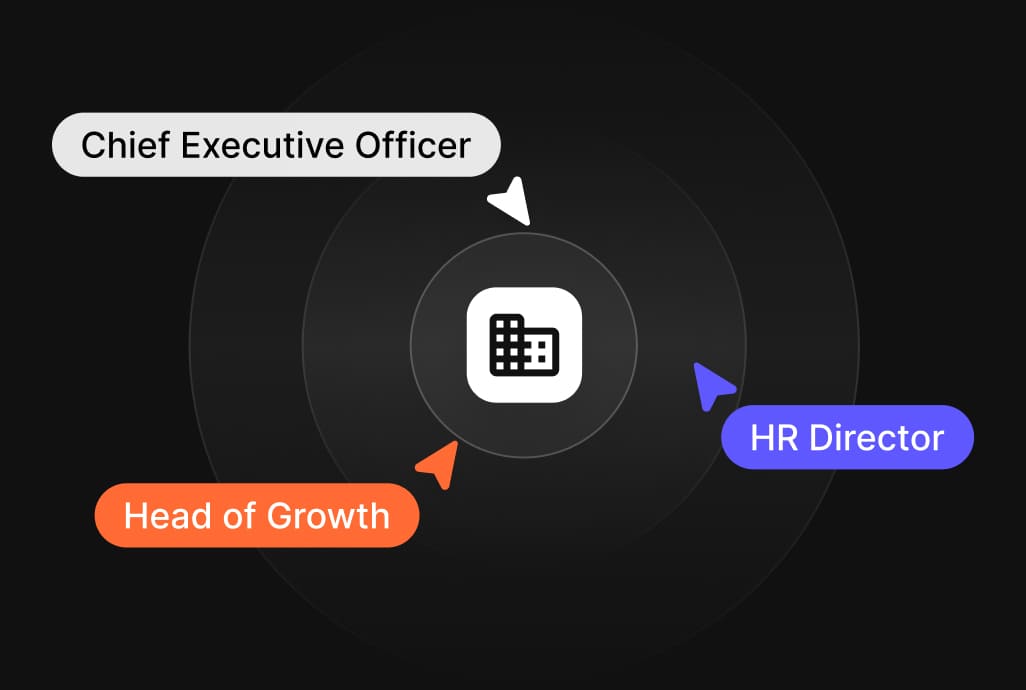
Pages stay accurate without constant oversight. Receive reminders when content needs attention and update collaboratively — without running audits or chasing teams for changes.
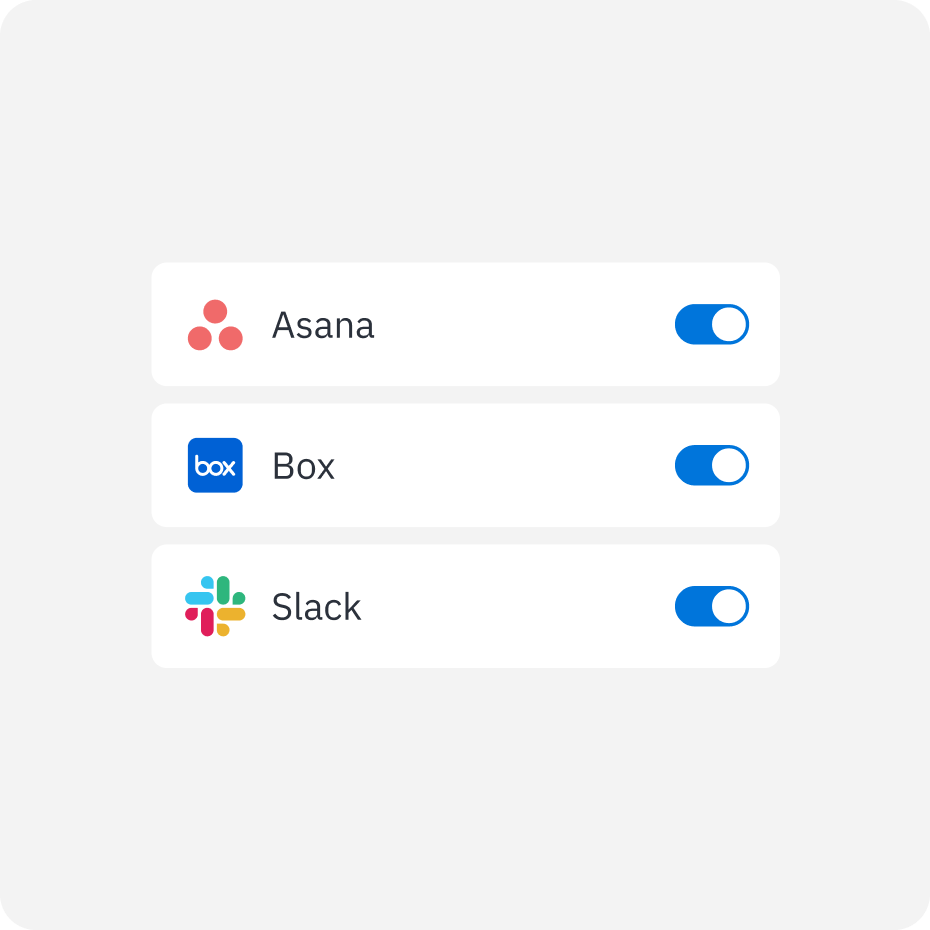
Integrate your core applications to enable unified search across Google Workspace, SharePoint, Slack, Salesforce, Confluence, and more.
Ask questions or search terms to retrieve trusted information from connected systems – without switching platforms.
Get clear answers and results with visible source materials and suggested documents, conversations, and related content.
Happeo as a trusted knowledge base, admins can identify missing information and use AI to create updates or new content to maintain a consistent and complete knowledge base.
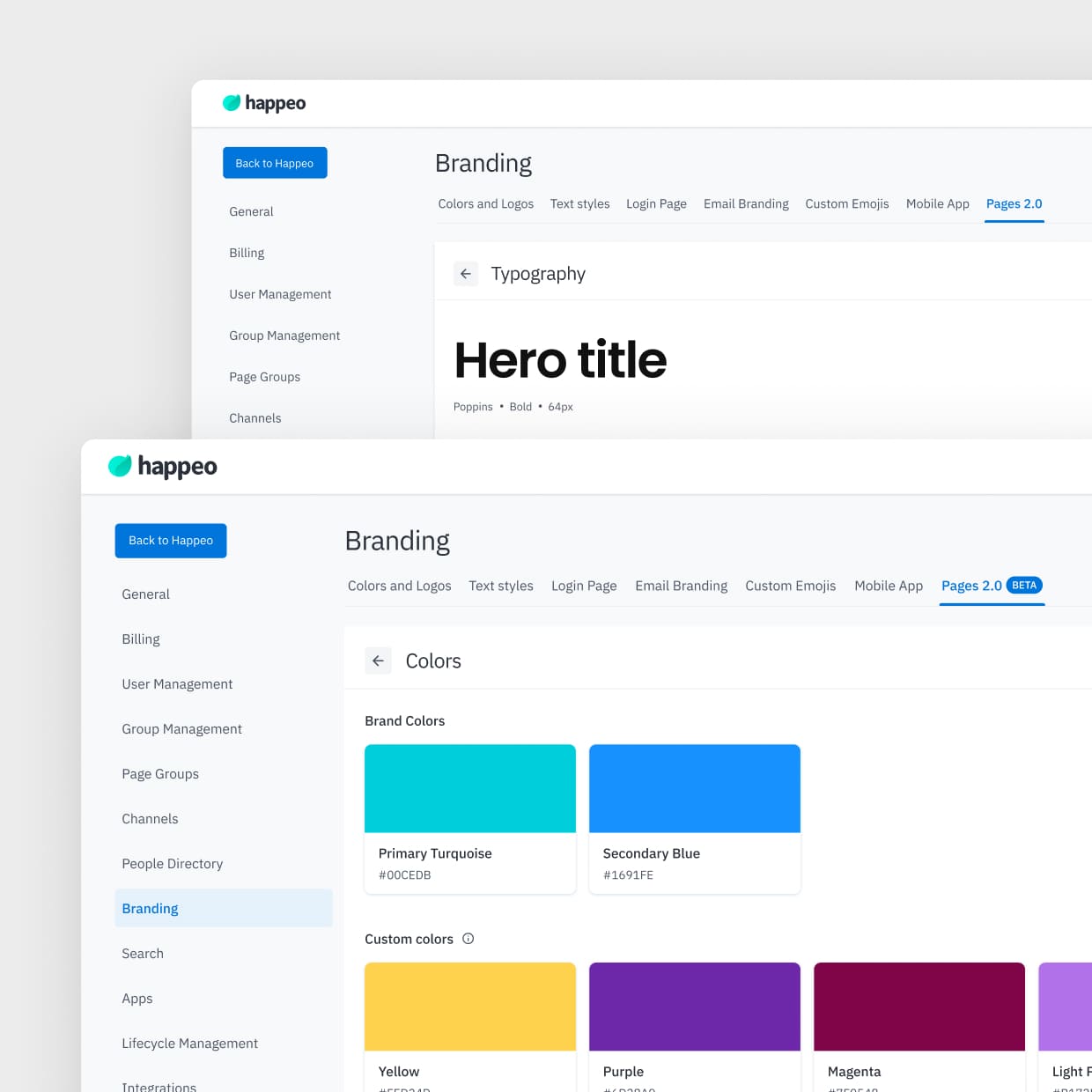
Configure typography, colors, and style preferences once — so every page you create automatically looks polished and consistent from day one.
Use templates and drag-and-drop layouts to quickly build pages for policies, processes, onboarding, and key company information — without technical setup or IT involvement.
Designate responsible owners for each page so information stays accurate — without making one person the bottleneck.
Go live in weeks and establish Pages as the place everyone checks first, reducing reliance on scattered files, chat threads, and repeated questions.
Edit together in real time, see what’s changed, receive reminders when pages are ready for a refresh — without manually tracking anything.
Connect Google Workspace, Microsoft 365, and other essential tools so your files can be easily embedded and searchable within Pages.
Discover all integrations

The challenge we faced was an overload of information. In people's heads, on people's laptops, on Google Drive and all over. We needed one single source of truth. Happeo seamlessly integrating with Google Workspace made it the product that ticked all our boxes.

We wanted something with a good user experience, something that enables everyone to create nice-looking pages without having a background in graphic design or HTML.
