









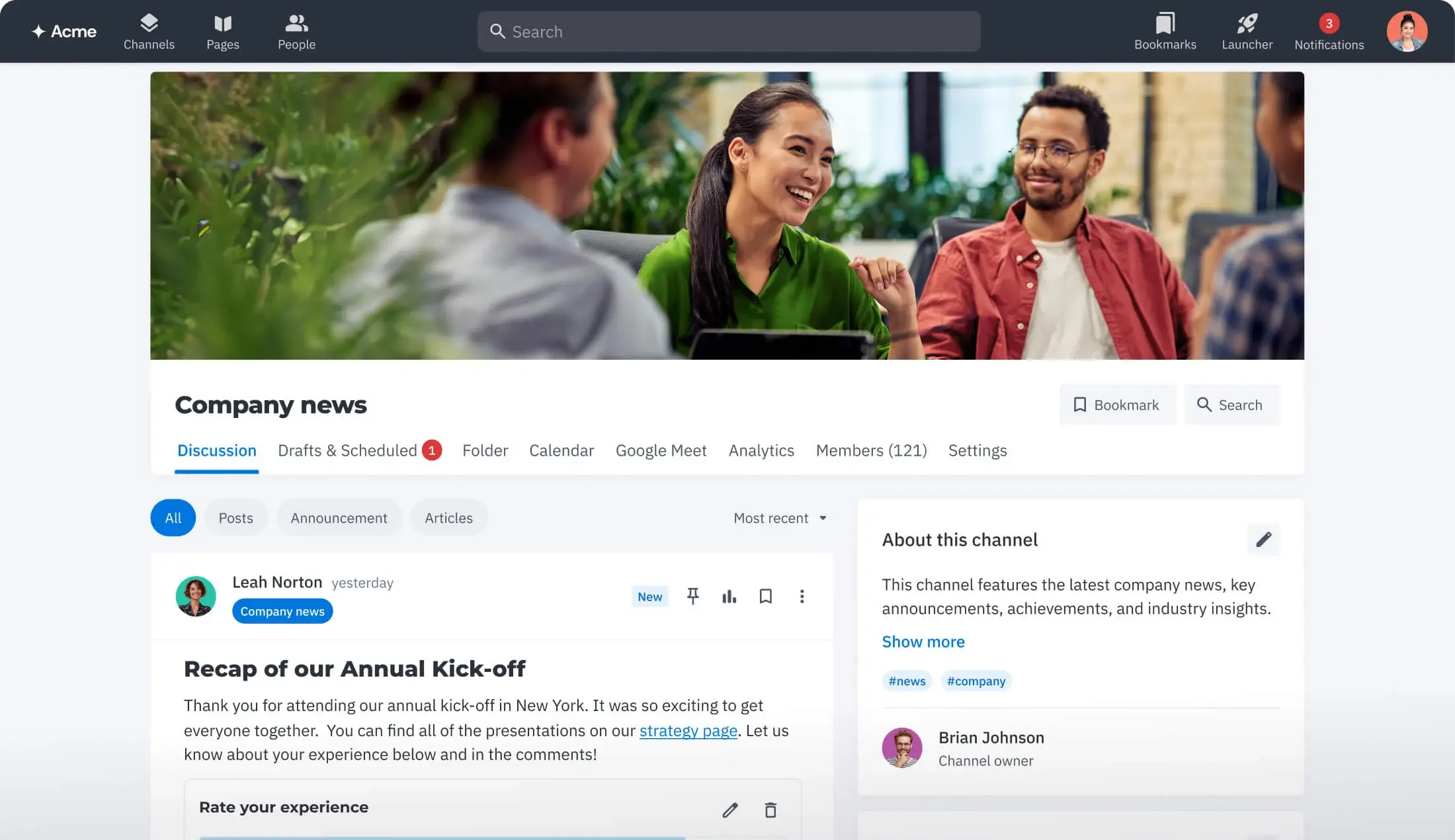
Centralized communication
A clear home for important updates separates official communication from everyday chat and inbox noise. People know exactly where to look.
-1.png)
AI Search
Search across Happeo and your connected systems from one powerful, permission-aware experience—so teams find the information they need faster and with confidence.
Request a demo.png)


Channels
Keep important updates in one visible and searchable place — so key information doesn't get buried across email, chat, and meeting notes.
Request a demo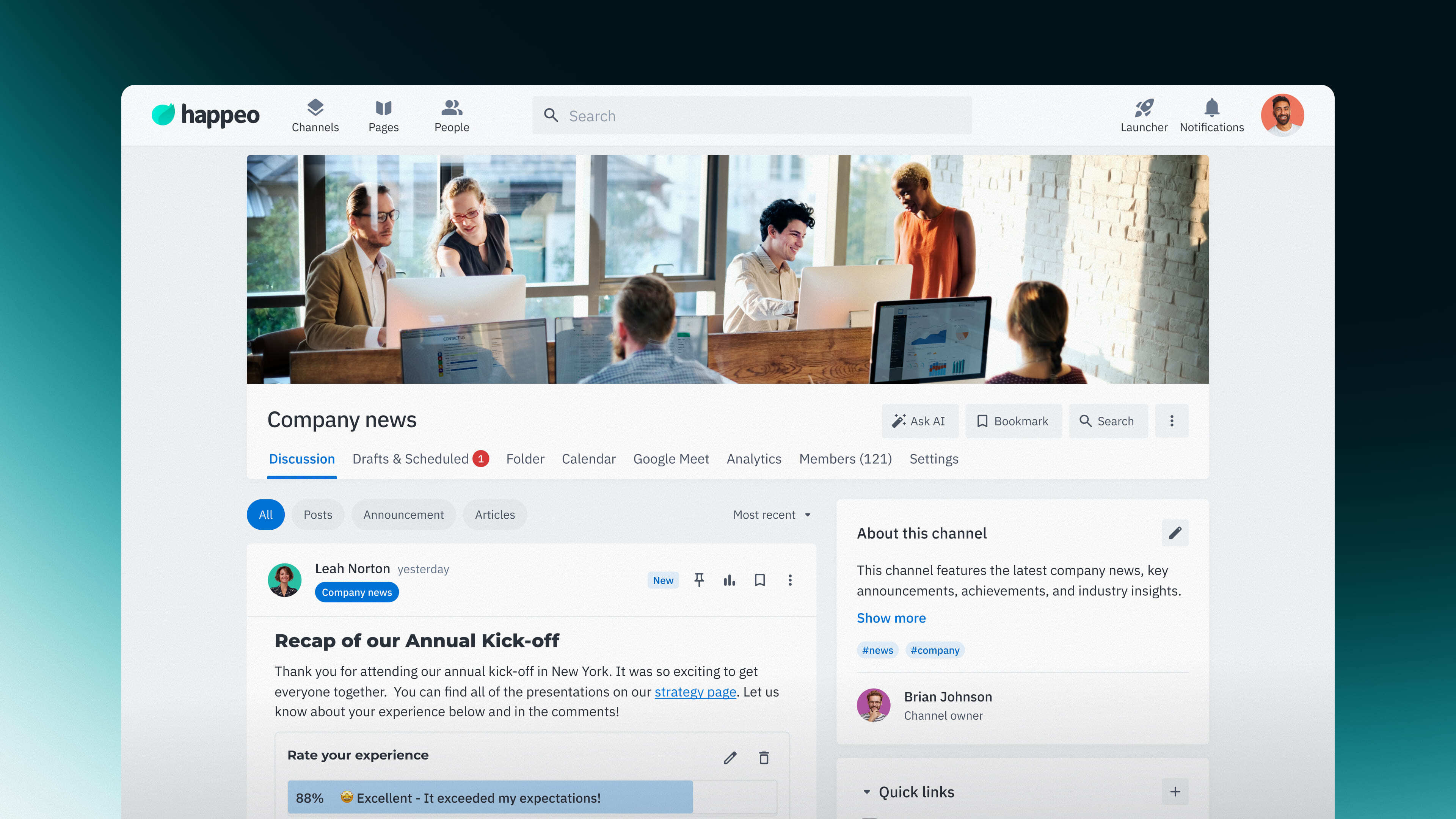






Happeo Channels provide a dedicated place for official communication. Important updates stay visible, easy to follow, and connected to your wider intranet.
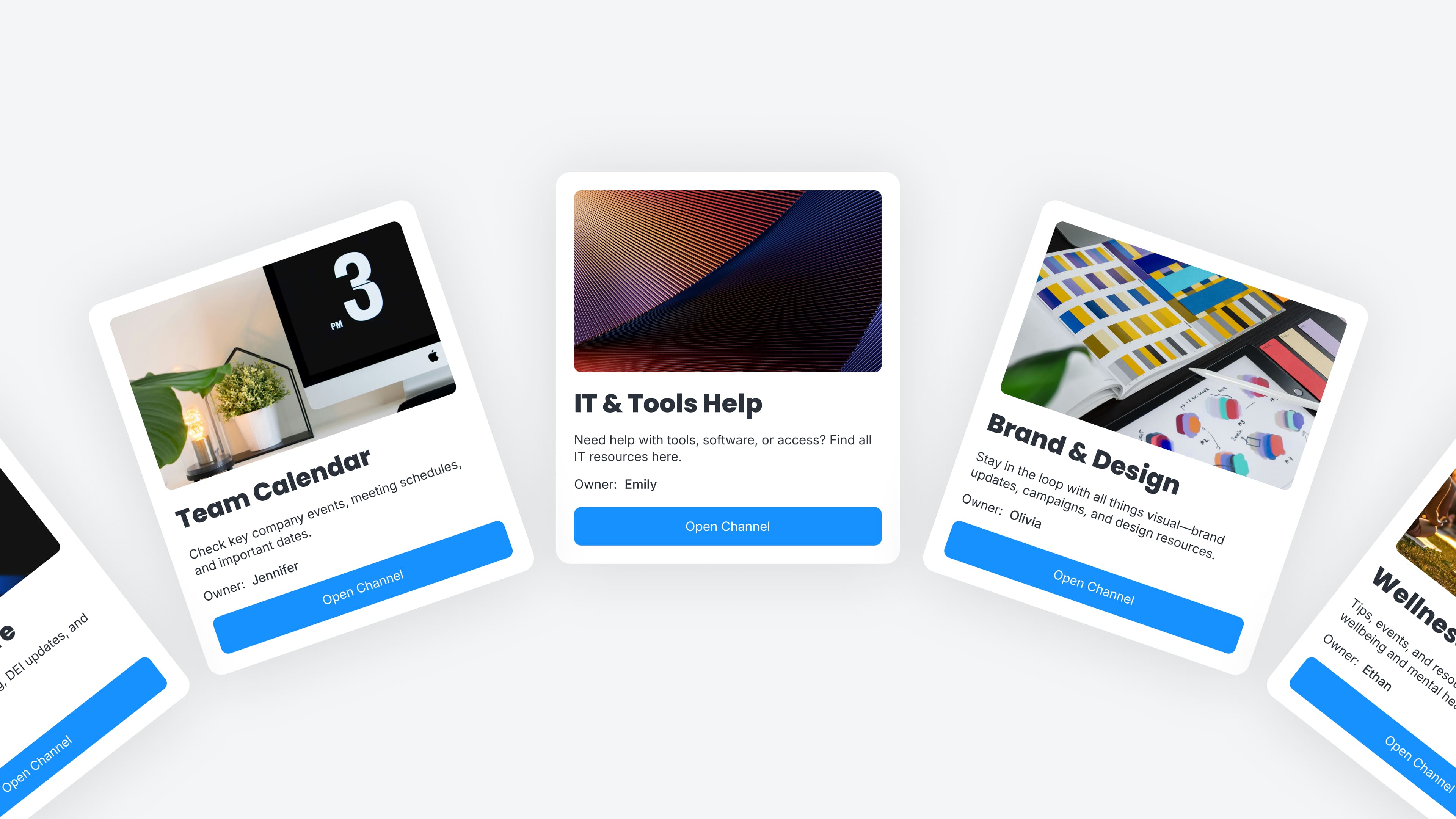
Create Channels for company-wide updates, departments, leadership, or specific initiatives. Decide who can see and post in each space so communication stays relevant.
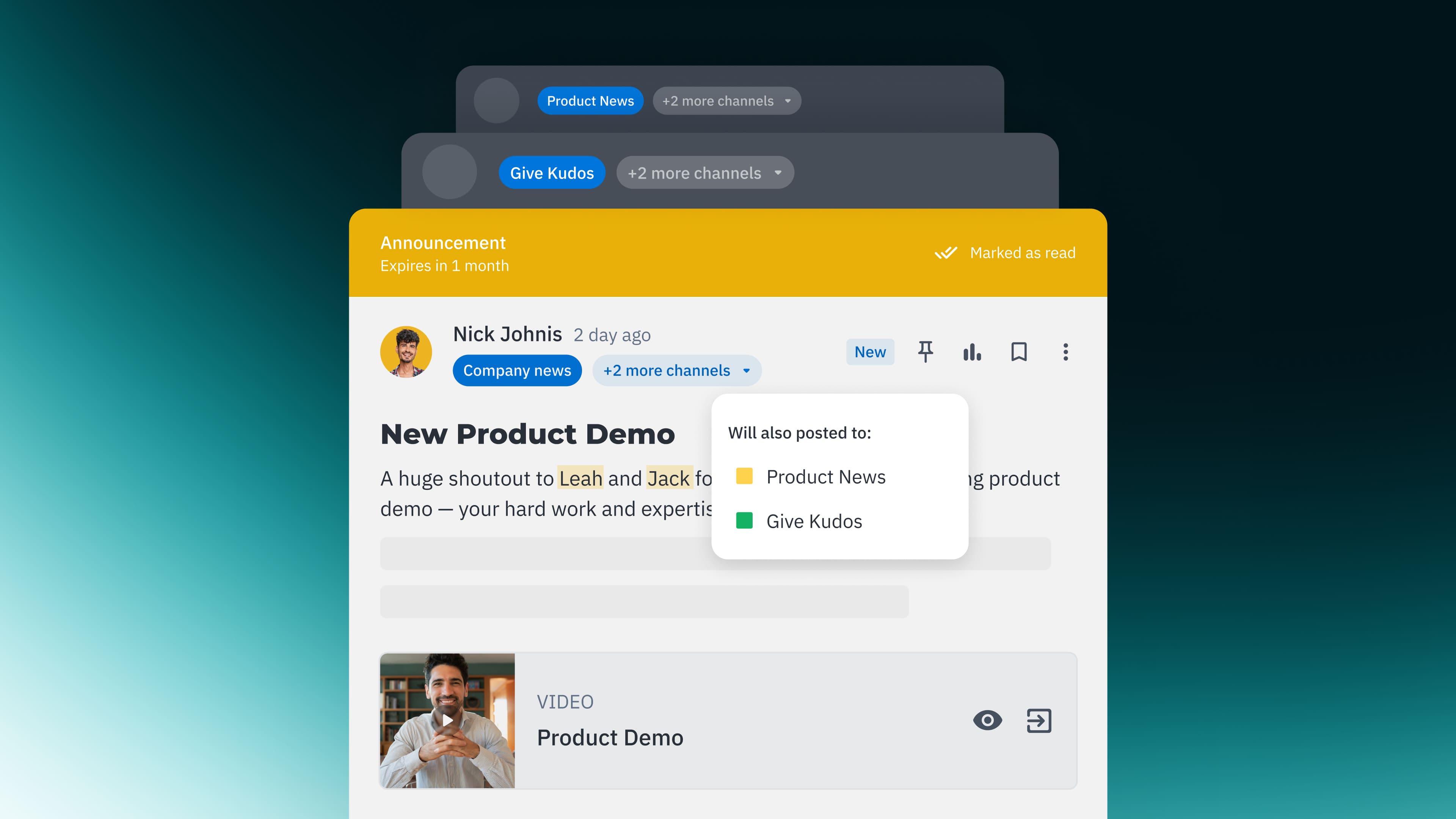
Publish to multiple Channels and choose the right post type for each update. From high-visibility Announcements to longer Articles, content stays clear and easy to read.
Invite engagement with comments, mentions, reactions, and polls all within posts. Questions and feedback stay attached to the original update — not lost in chat.
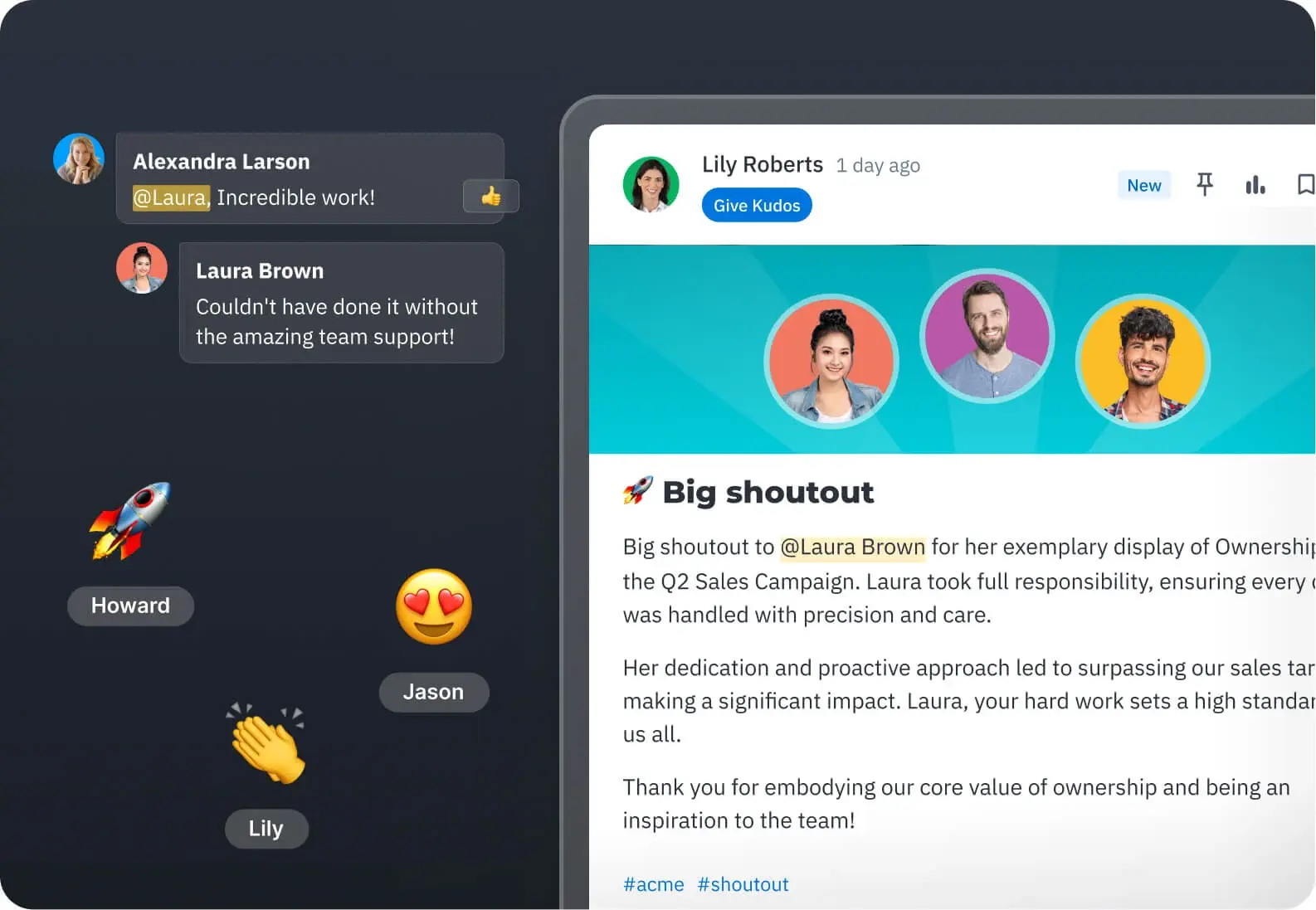
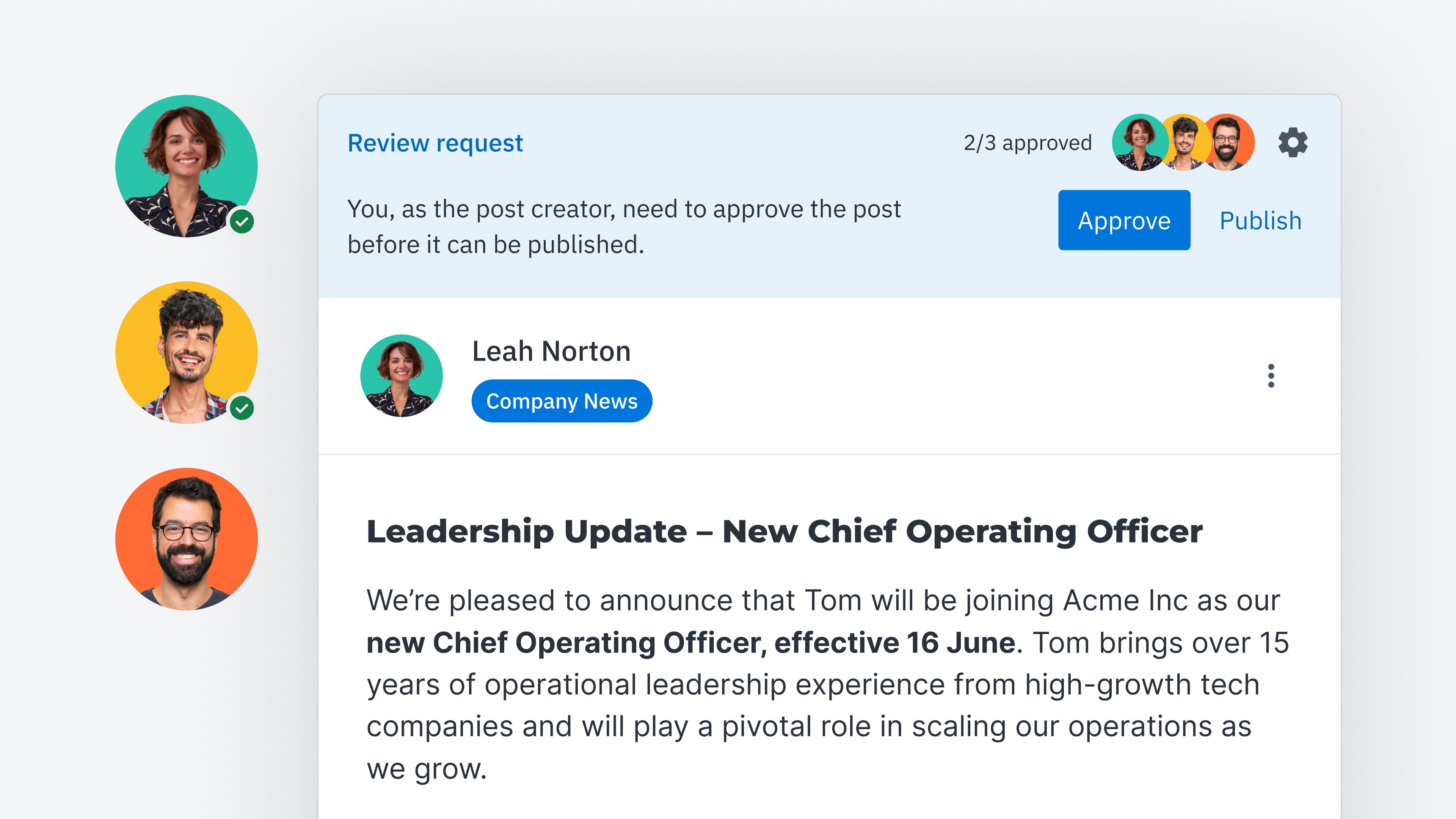
Some updates need a little more focus. Optionally turn off comments, or review posts before they go live. Publish updates on behalf of leadership when needed.
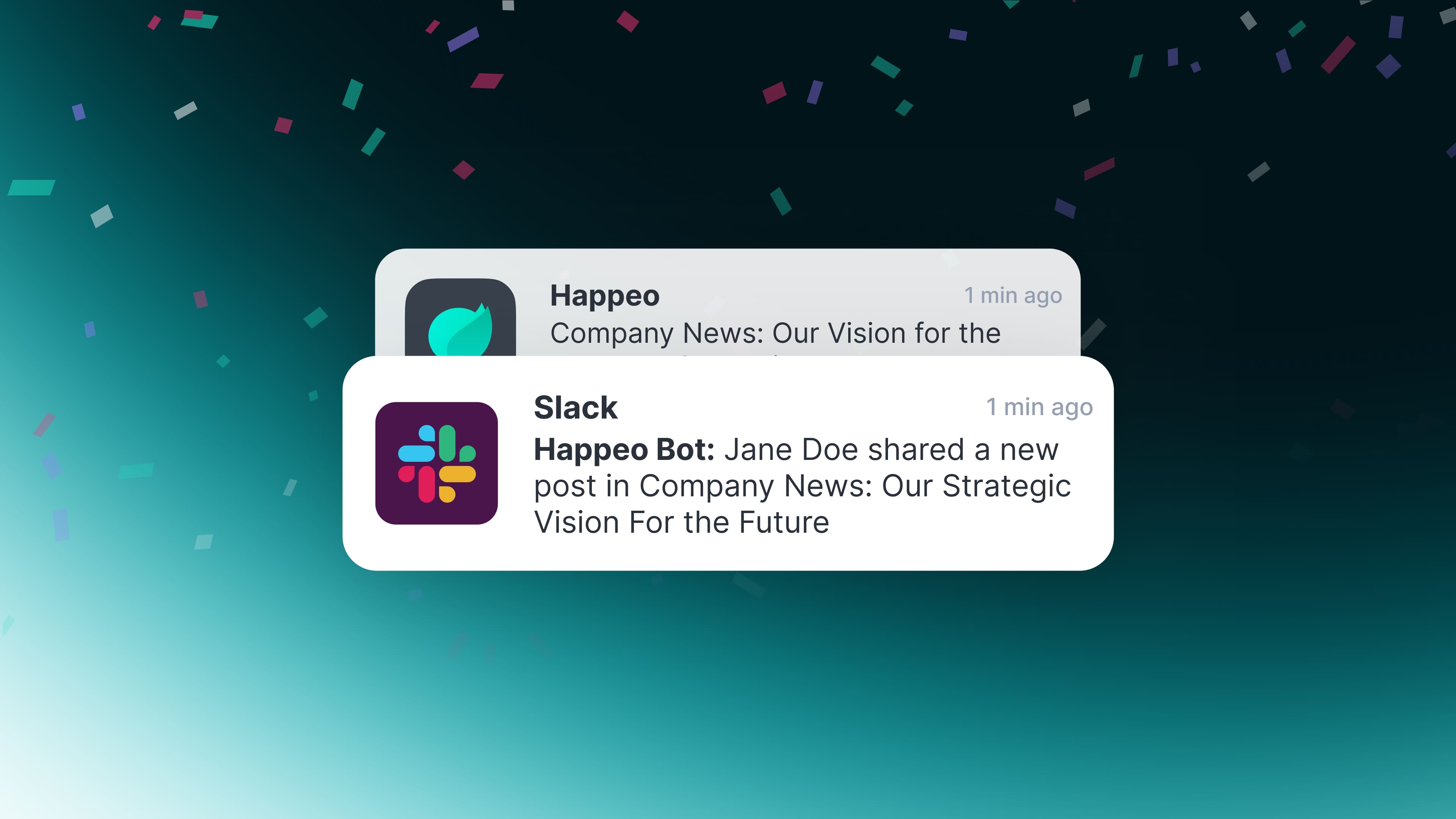
Posts appear in personalized news feeds based on Channel membership, and notifications can be sent via email. You can push posts to Slack and Microsoft Teams so important updates are seen.
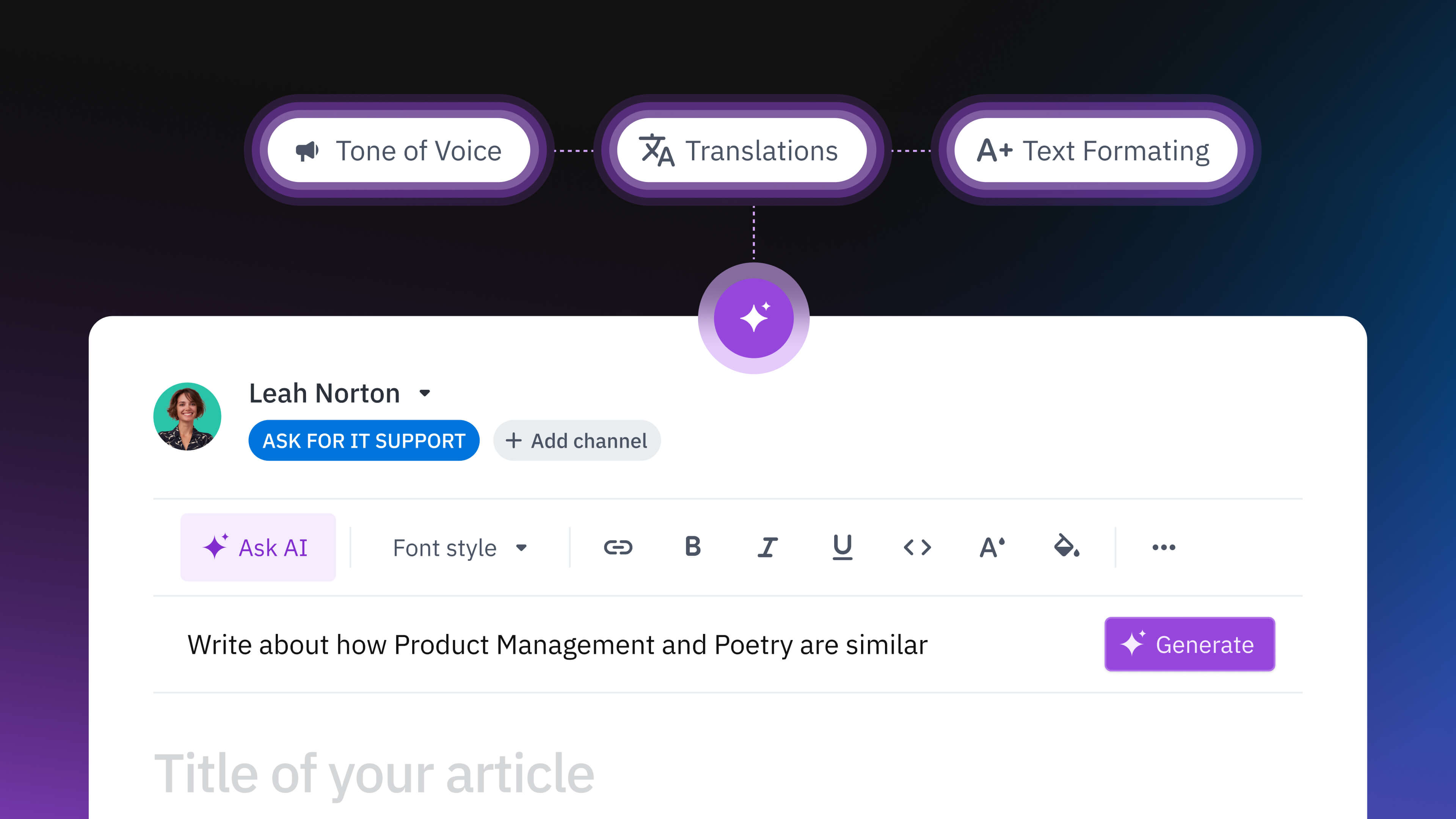
Choose whether to write posts in different languages or let your people translate when they need it. Schedule posts in advance to coordinate across time zones.
A clear home for important updates separates official communication from everyday chat and inbox noise. People know exactly where to look.

A personal stream and notifications surface relevant updates, reducing the need to ask around or catch up manually. Context stays visible and easy to reference.
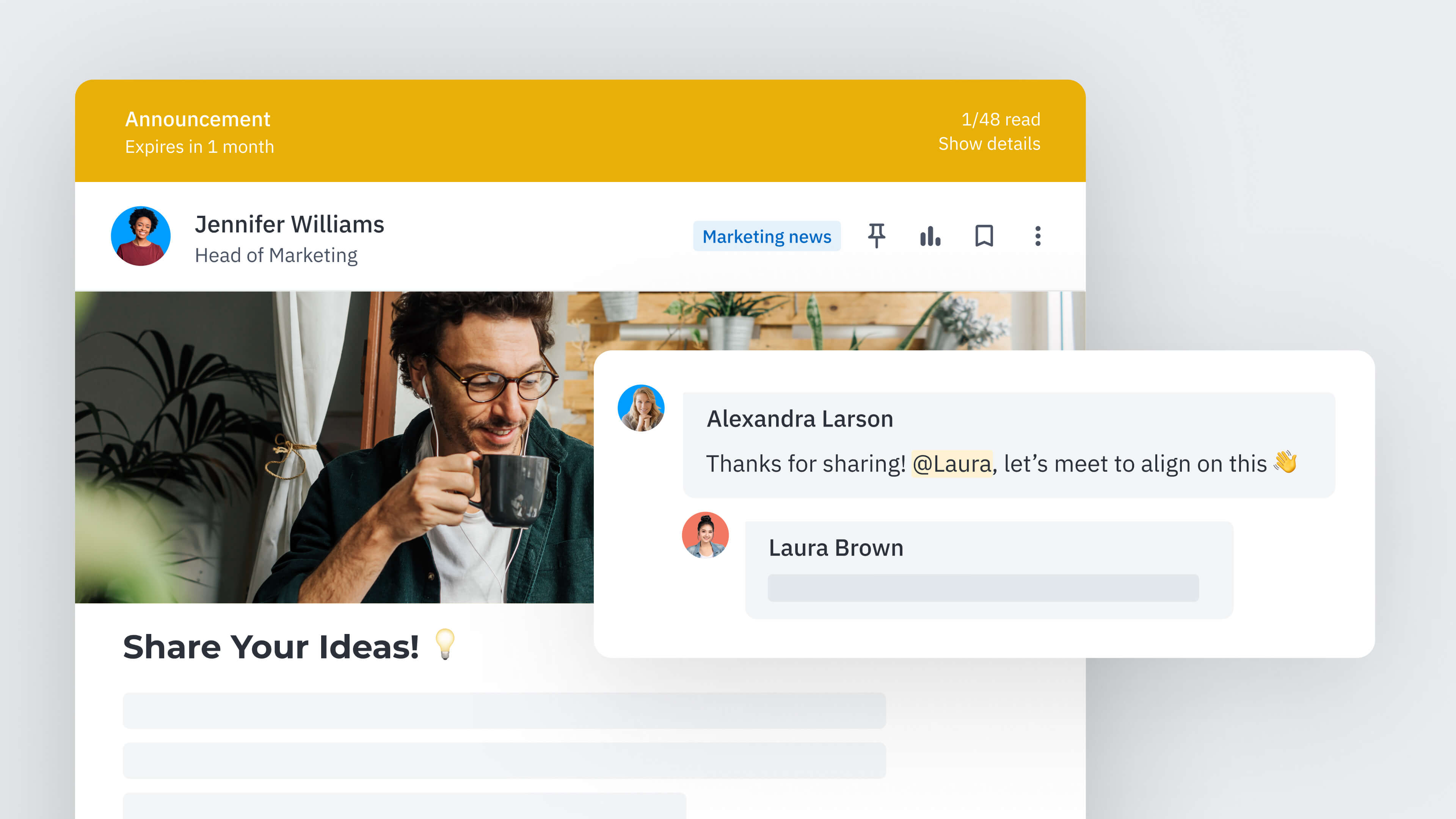
When communication is shared intentionally in the right Channels, teams move forward with shared understanding. Expectations stay aligned and messages carry weight.
Share updates with embedded documents, forms, and resources — keeping everything connected and searchable in one place.
Discover Integrations
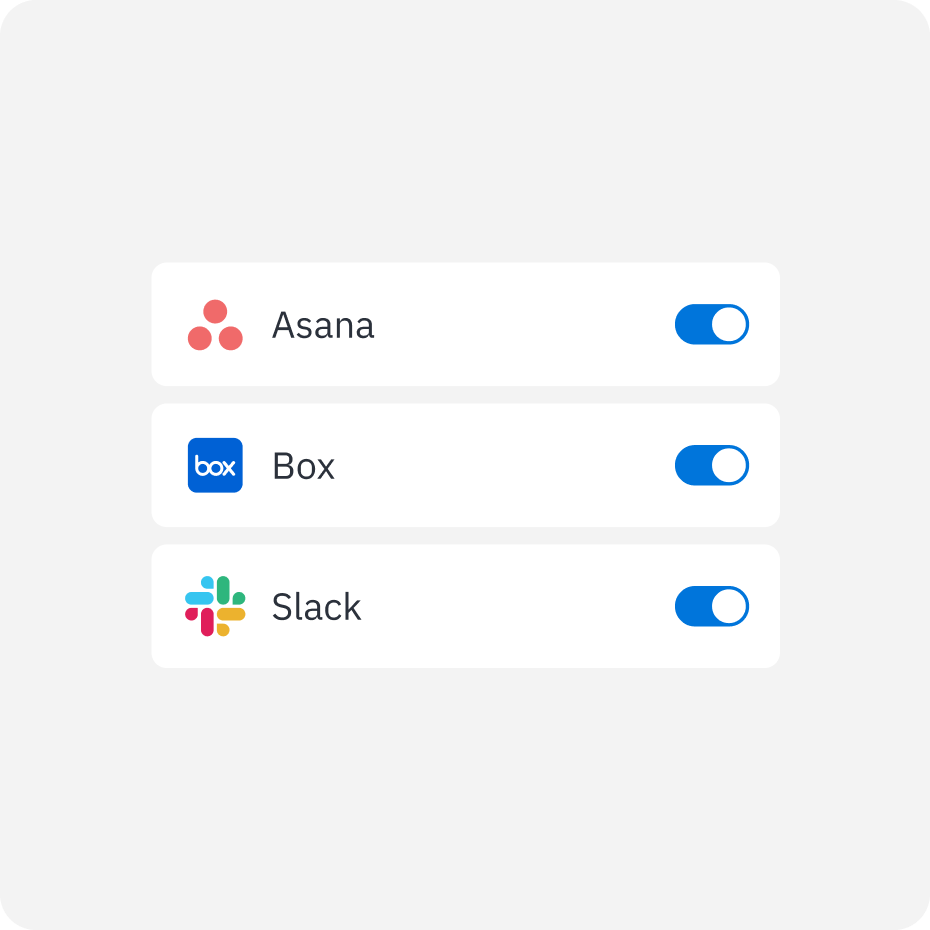
Integrate your core applications to enable unified search across Google Workspace, SharePoint, Slack, Salesforce, Confluence, and more.
Ask questions or search terms to retrieve trusted information from connected systems – without switching platforms.
Get clear answers and results with visible source materials and suggested documents, conversations, and related content.
Happeo as a trusted knowledge base, admins can identify missing information and use AI to create updates or new content to maintain a consistent and complete knowledge base.
