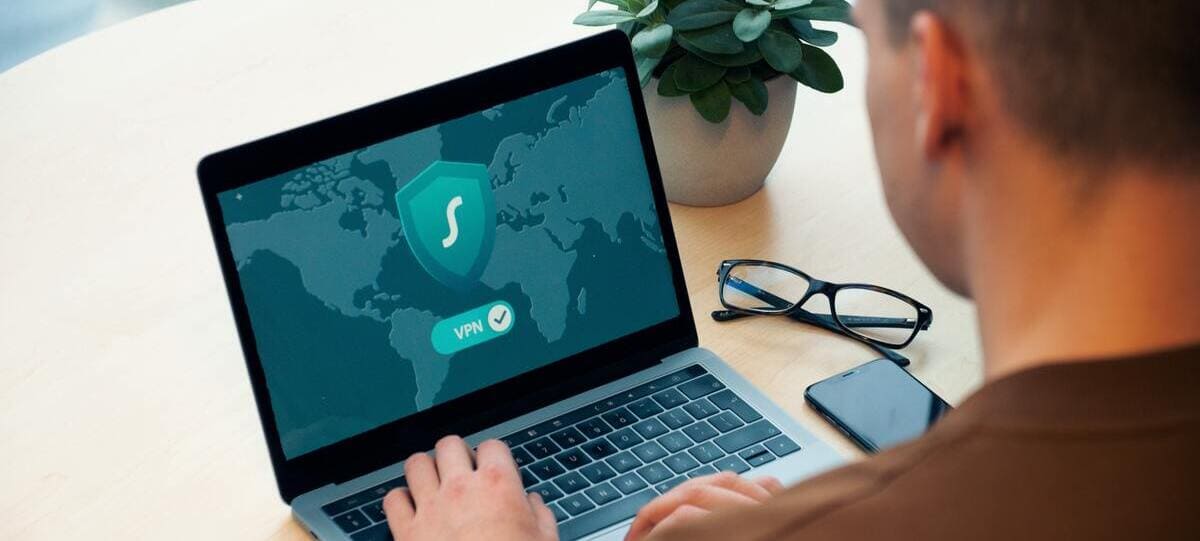
The advantages of remote work are so many that, even after the COVID-19 pandemic, people did not completely abandon the idea of remote work. Some switched to a hybrid work setting, while others remained fully remote.
However, the flexibility, the freedom, and all the other benefits brought by remote and hybrid work settings come at a cost.
The cybersecurity risks have increased, and the responsibility of both employers and employees to protect sensitive data has increased in parallel. When you analyze domain health, don’t skip security updates, and use strong passwords, you can increase your chances of staying protected.
Key takeaways:
- Remote work offers physical freedom but causes digital risks.
- Using weak passwords, public networks, and personal USBs makes remote work even more vulnerable to cyberattacks.
- Employers should use multi-factor authentication and regular audits to enhance the security of their data and communications.
- Employees should avoid public networks, use a VPN along with strong passwords, and think twice before clicking on any link.
- Email authentication can help both employers and employees stay protected in the face of cyber threats.
What Exactly Is Remote Work Security?
In an in-person work setting, most organizations already have cybercrime detection, prevention, and mitigation strategies in place. However, with remote and hybrid work models, protection becomes much more challenging.
If protecting the on-site workforce requires one comprehensive approach, then protecting dozens of dispersed employees from dozens of individual home offices necessitates unique and tailored protection strategies. This often includes tools like employee monitoring software to help ensure security protocols are followed consistently across all remote environments.
Here are the key cornerstones of remote work security.
Zero Trust Principle
The Zero Trust model teaches us to “never trust, always verify.” It’s always better and safer to expect and be prepared for a breach.
The good thing is that zero trust doesn’t mean something bad will inevitably happen. It means you’re equipped with the necessary secure collaboration tools in case an attack does happen.
Secure Access
The main components of secure access are authentication and authorization. Secure access means ensuring safe and authorized access to your accounts. It encompasses encryption, firewalls, VPNs, and secure protocols to access accounts. Businesses that offer support or manage remote teams can also benefit from a toll-free number service that keeps lines open while maintaining security and professionalism
Data Protection
Data protection refers to the process of securing sensitive data like sensitive images, clippings and other confidential information from unauthorized use. The aim is to avoid data loss and financial and reputational damage for both the company and its employees.
The Biggest Challenges for Remote Workers
Here are some of the major risks and challenges faced by remote workers.
Devices and USB Sticks
When you access company information on your personal device, hackers may find it quite easy to access this data. Do not plug your own USB sticks into work computers, whether at home or at the office, unless they are scanned and approved by your IT team. Such sticks often contain a range of malware that can easily ‘infect’ your work computer and data as well.
Easy-to-Guess Passwords
Repeating the same password across different platforms is a common yet very dangerous practice. Some users get lazy when setting passwords and use names, birthdates, and other personal information.
Public Networks
Moving from your company’s firewall-protected network to a public Wi-Fi connection (such as those found in coworking spaces, coffee shops, etc.) or even your personal home Wi-Fi can bring significant security risks. Public networks are quite vulnerable to spoofing and phishing attacks.
Software Issues
Outdated software can cause not only operational disruptions but also major security risks.
Online Meetings
Online meetings often powered by video interview software are an integral part of remote work. This is a great way to stay connected despite the distance, but it may also cause security problems. “Zoom bombing,” a practice of unauthorized people joining your meeting, was quite common during the pandemic.
Hackers could eavesdrop and listen to important, sensitive information. What’s worse, they could also use such online meeting platforms to share malware. While Zoom and similar companies now have improved their security measures, the threat is not completely eliminated.
Remote interpreting apps can also be vulnerable to similar security risks, particularly when they’re used for confidential multilingual conversations. Moreover, integrating a secure, cloud-based test management tool can help distributed QA teams collaborate efficiently while maintaining compliance and access control over sensitive test data.
No Email Authentication in Place
When you do not have email authentication in place, hackers can easily spoof your domain. This might also happen if you do have an authentication place, but the protocols are not properly configured. You should test DMARC, DKIM, and use an SPF checker to ensure all your protocols are configured correctly. Also, use reliable SMTP servers to ensure emails are sent securely and authenticated properly, reducing the risk of email spoofing and phishing attacks. Remember, minor configuration mistakes can cause major risks.
Remote Work Security Advice
Here are some important security tips for remote work environments.
For Employers
Employees should:
Leverage Multi-Factor Authentication
Multi-factor authentication requires staff members to verify their identity every time they log in. It also necessitates more than one method of identification. Multi-factor authentication requires staff members to verify their identity every time they log in. It also necessitates more than one method of identification and should be complemented with regular network vulnerability scans to identify hidden security gaps across remote environments. New York University, for example, requires both a password and a second factor to sign in to emails and drives.
Use VPNs
Using a reliable VPN will help you protect your employees’ internet traffic even when they work from their home or anywhere else. For the best recommendations on trusted VPNs, check out Cybernews. They provide in-depth reviews of leading providers, including a detailed NordVPN review, to help you choose the right option for secure and private browsing.
For Employees
Employees should:
Create Unique Passwords
Aim to have long, random passwords that contain letters, numbers, and symbols. The more unpredictable your password, the better it is. You should have a unique password for each platform.
Update the Software
To have the latest security patches in place, always ensure all your devices and software are up to date.
Do Not Click Immediately
Before you click on any link, check carefully to ensure the domain is from the official source and hasn’t been forged by hackers. In case you do notice or sense something suspicious, report to the IT team right away.
Do Not Use Public Wi-Fi (Or Do So with a VPN)
Try to stay away from public Wi-Fi networks. In case you do not have an alternative, at least try to connect through a VPN that you trust. This will help you encrypt your sensitive data and not cause headaches for your team.
Remote work means more freedom and flexibility, but it also implies a higher sense of responsibility. Hackers are getting smarter, their techniques are getting better, but it doesn’t mean staying protected is impossible. Using reliable VPNs, avoiding public networks, and other measures can help you enjoy the perks of remote work without sacrificing your security.